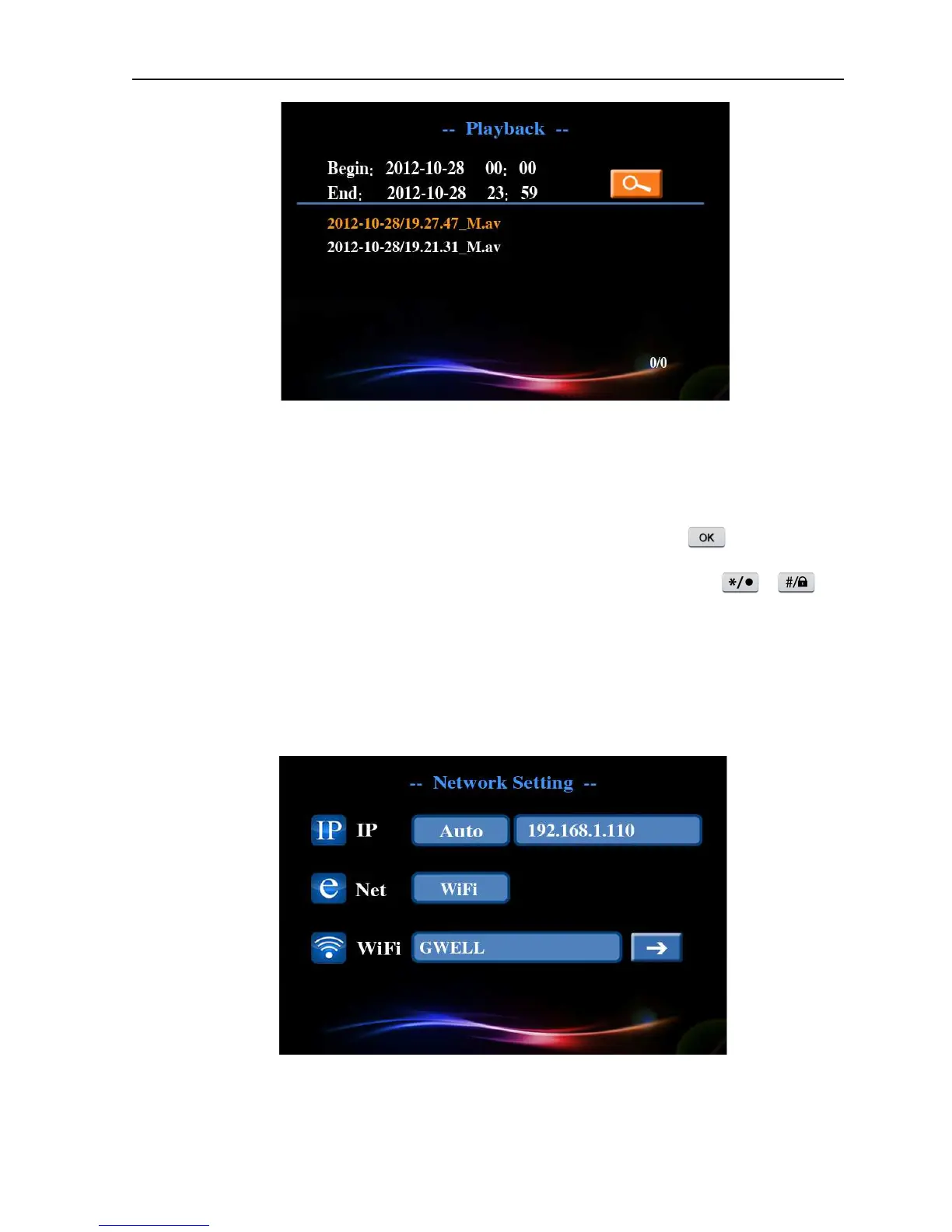
Picture 4.6 Video retrieval
【
【【
【
Play
】
】】
】
During play state, press left-right buttons to finish fast forward and rewind operation
and press up-down buttons to switch different video files. Press the button to stop playing.
Press right key for single-frame playing during stop-playing state. Press button or can
adjust the volume.
4.5 Network setup
Set network parameters, you can click [main menu]> [network] to enter the network setup interface.
Picture 4.7 Network setup



 To Next Page