4.7 Recording setup
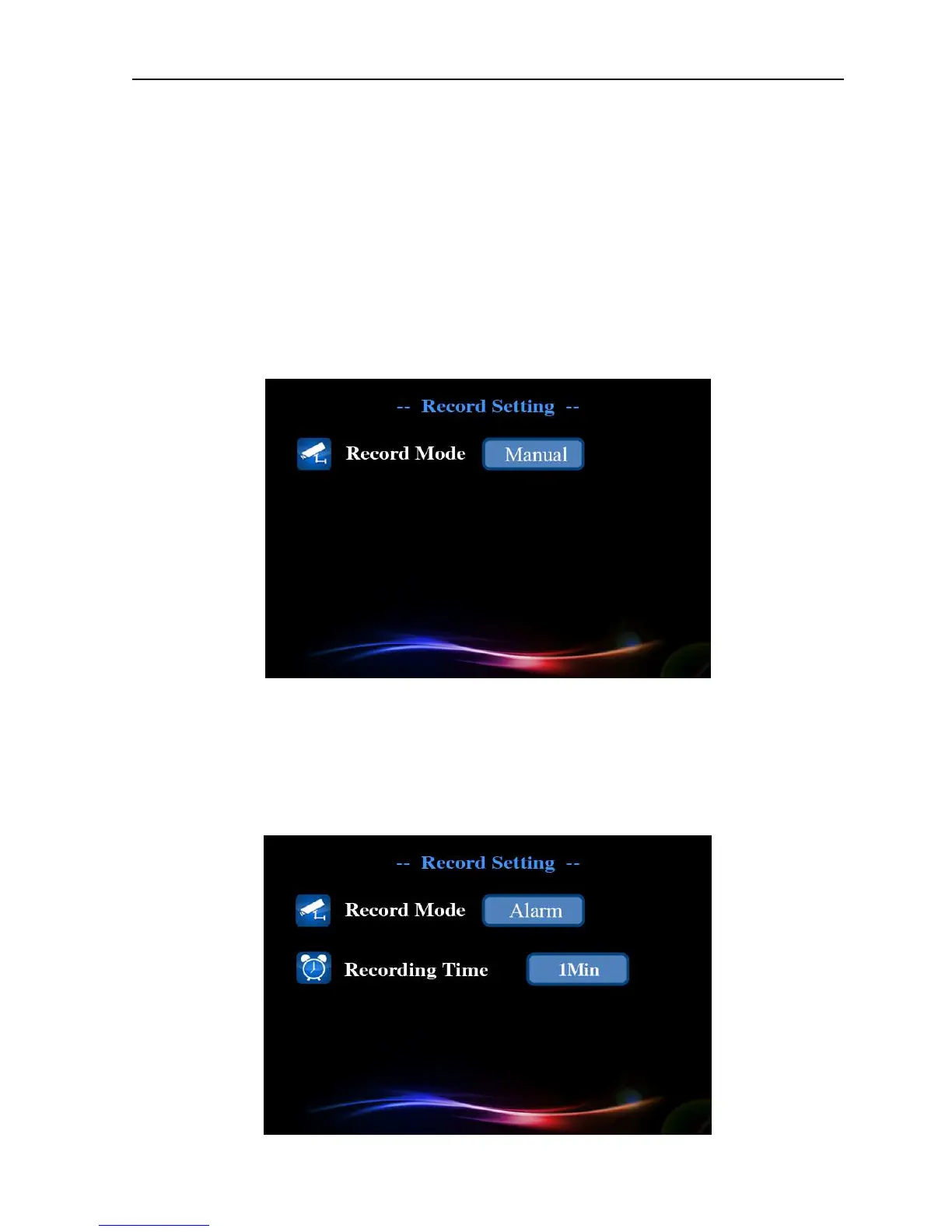
Set different record modes, you can click [main menu]> [record] to enter the record setup
interface. You can set three record modes: manual, alarm and timed. The record LED indicator will
blink during record state.
【
【【
【Manual】
】】
】
Long press record button can manually control the opening and closing.
Picture 4.11 Record setup(1)
【
【【
【Alarm】
】】
】
When motion detection or outside alarm triggers, system will automatically enter
record state; Record timing indicates that record duration after trigger the alarm.


 To Next Page