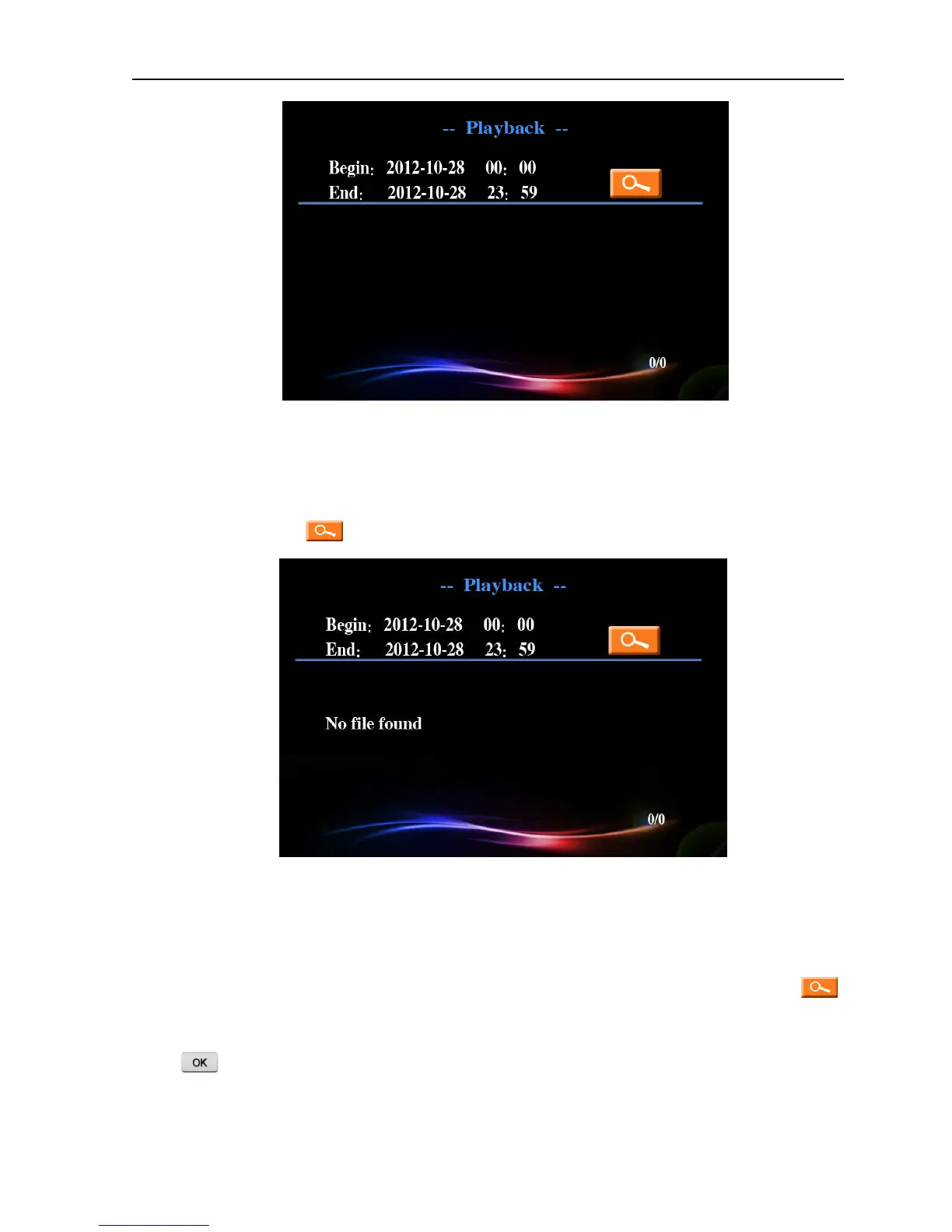
Picture 4.4 Video retrieval
【
【【
【
Fast retrieval
】
】】
】
Enter the video playback interface, you can search system video file of the day
after press search button directly. If there is no video, it will show “no video file found”.
Picture 4.5 Video retrieval
【
【【
【
Accurate retrieval
】
】】
】
Move the cursor to adjust the starting and ending time, the window will
pop-up the video file list which conforms to searching condition after press search button ,
press up-down and left-right buttons to move the cursor to select the target file, then press
button to play.



 To Next Page