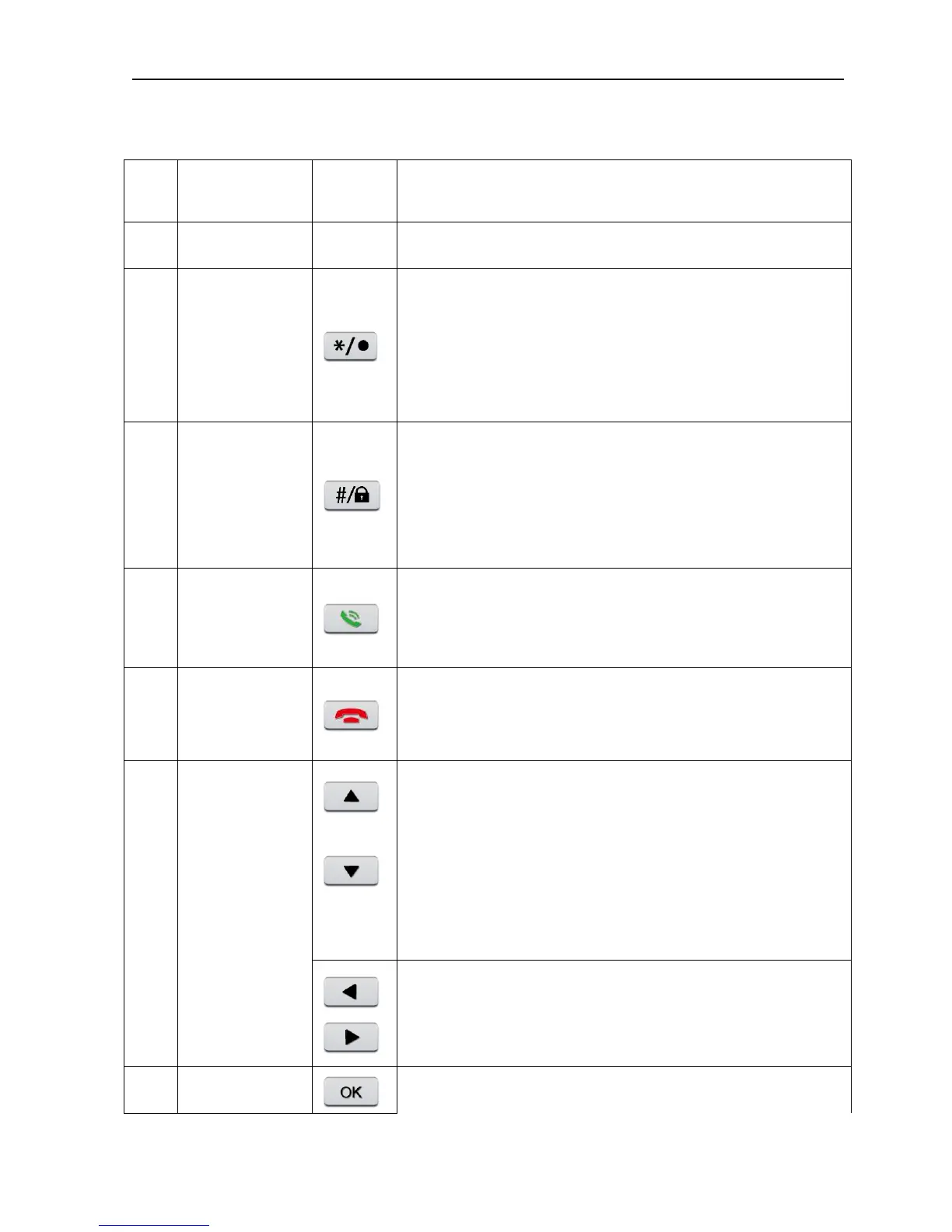
Button
name
Mark Function
1 Number button 0
00
0-
--
-9
99
9
Input the number key during user input state
Short press to decrease the volume during video call or
playing state
Short press to delete text during edit state
2 */.键
键键
键
Long press to record/stop recording during manual record
mode
Short press to increase the volume during video call or
playing state
Short press to switch input method during edit state
3
Ctrl shift/
defense
Long press to do defense/cancel operation
Short press to dial video call during standby state
4 Dial/preview
Long press to enter real-time preview during standby
mode
Hang up call during video call
5 Hang up/Exit
Back to above level menu and exit current state
Remove the cursor by up and down buttons when the
main menu or submenu is popped
Add or decrease number during edit state
Change the setting in the menu
Play last or next video file by up and down buttons
during the playback state
Move the cursor by left and right buttons when the main
menu or submenu is popped
6
Direction button



 To Next Page