User´s Manual English
DTR 126 17
5.3 Password
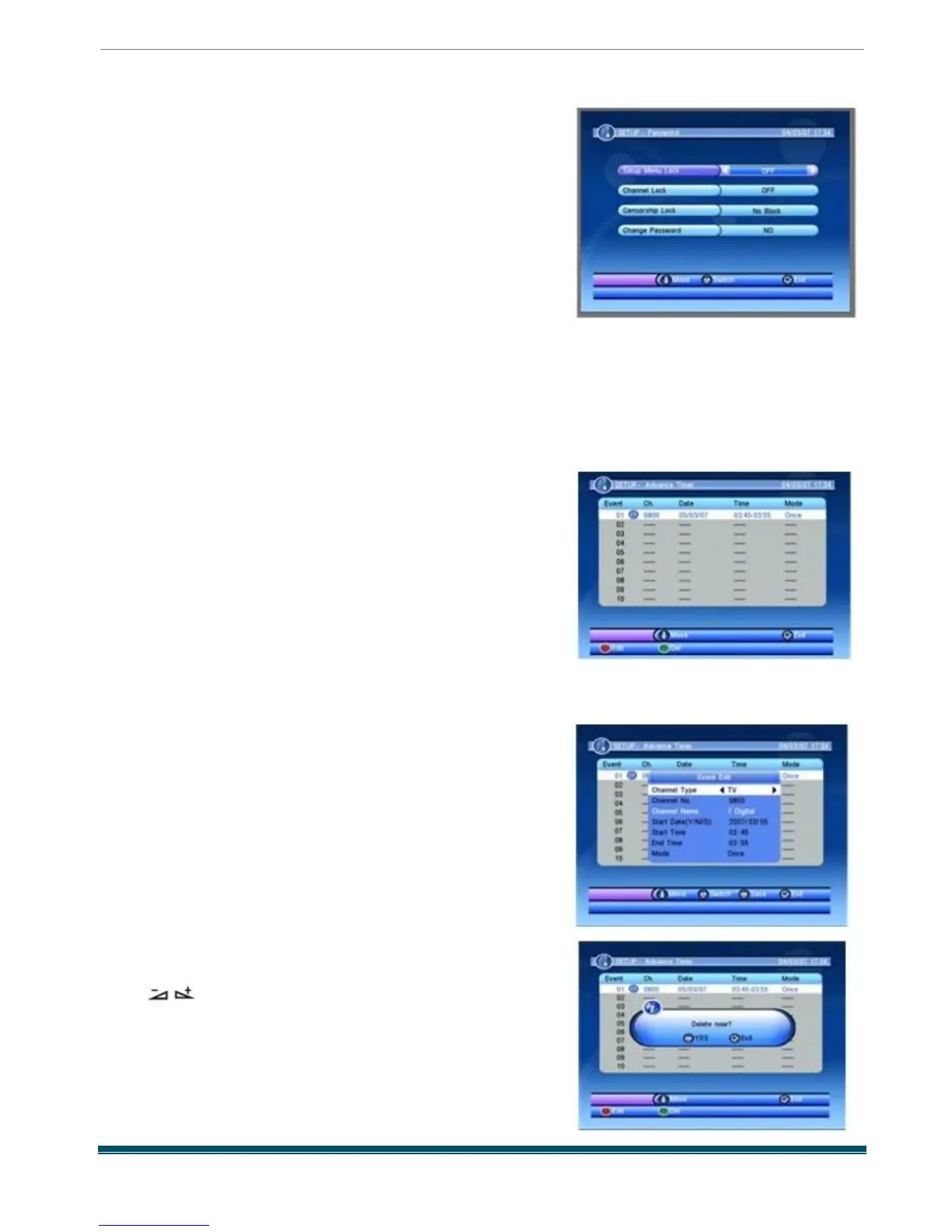
When you enter the Password menu , the screen will
display as beside .
In this menu , you can press PR + ,PR - keys to select sub -
menus and press OK key to enter the menu which is
chosen .
1)Setup Menu Lock : Menu Lock determining
that when user wish to enter SETUP menu ,
whether have to input Password or not .
If the setting of Menu Lock is ON which means user have to input password , set OFF means
unlock . The default password is 0 0 0 0 .
2) Channel Lock: Channel Lock can set the channel which user want to lock .
3) Censorship Lock : You should use number keys to set the new password . When you enter 4
numbers , the highlight will skip to Confirm Password automatically. You should enter the
password again to confirm it .
4) Change Password : When you select YES , it will pop
up a window asking you to
enter the old password . After input the correct password
it will pop up a window
asking you to enter the new password . When you enter 4
numbers , the system will
ask for Confirm Password automatically. You should enter
the password again to
confirm it .
5.4 Advance Timer
When you enter the Advance Timer menu , the screen
will display as beside
Press PR + ,PR - keys to select the events in this
window , and press EXIT key to exit .
Press red key to enter the edit window , Press
PR + ,PR - keys to select sub -menus , and press
keys to move highlight to choose your
choice .
Press green key it will pop up a window as beside . If you
choose Yes , the event you selected will be
deleted , if you
select EXIT , you will quit without delete the event



 To Next Page