User´s Manual English
DTR 126 18
5.5 Software Update
This menu has two sub -menus :
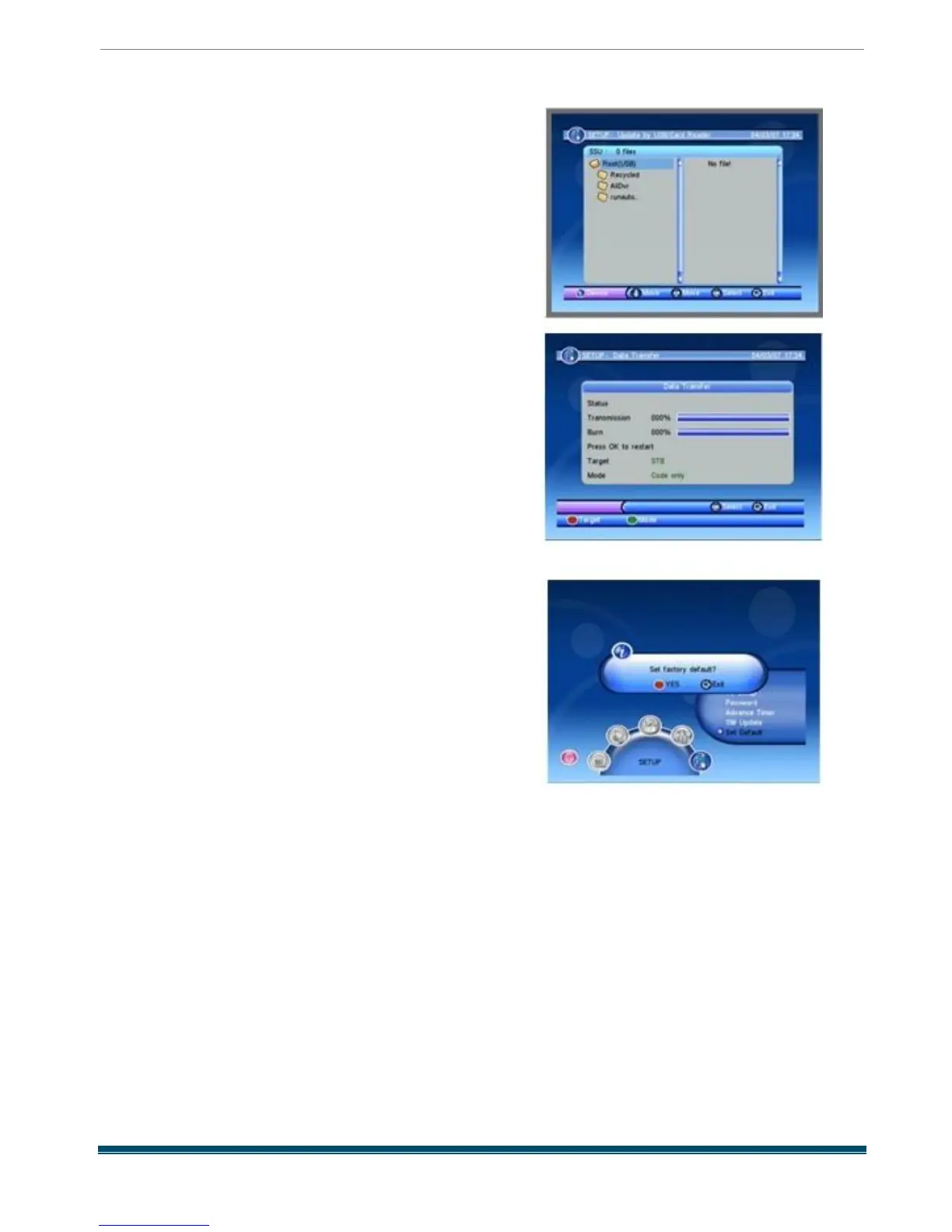
-Update by USB
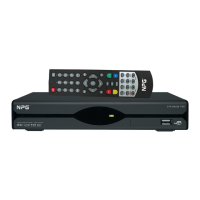
-Box to Box
1) Update by USB : Press OK key
to pop up the SSU window as beside . You can
select the update file in right of the window, and
press OK key to start update , if there is no update
file in the USB device it will show No file !
2) Box to Box : Press red key to select the target
between STB and PC .
Press green key to select mode among code only,
Database only, Code and database .
Press OK key to restart . You can see the
transmission and burn bar in this window .
Press EXIT key to exit
5.6 Set Default
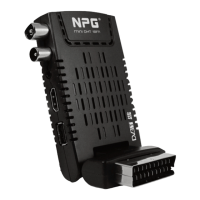
When you choose the option of Set Default and
press [OK ] key, there will be a dialogue ask you :
Set factory default ? You will see a screen like
beside .
If you choose Yes , all the parameters of this
receiver will reset to the default value .
Note : Please use this function carefully.



 To Next Page