User´s Manual English
DTR 126 19
6. Keys
6.1 Number
Use the numeric keys ( 0 - 9 ) to input the number of the desired channel . If the
inputted
number is beyond the valid channel number , system will "Invalid number ” and press OK key
to close this message
6.2 TV /RADIO
In normal mode , press TV /RADIO key to switch between TV mode and Radio mode .
6.3 Up /Down (Channel Change )
Press PR + , PR - keys to change the channel up or down .
6.4 Left /Righ (Volume + / - )
Press keys to change the volume . Press keys to decrease the volume by
step 1 , while press keys to add the volume by step 1 .
6.5 Mute
Press key to close the volume . You can press key once again to restore the volume ,
or press keys to open the volume .
6.6 Pause
During the viewing , you can press PAUSE key to stop the picture while the volume
continues. You can play the picture by pressing PAUSE key once again
6.7 Teletext
Press TXT / keys to open the teletext and subtitle window on the screen .
6.8 OK
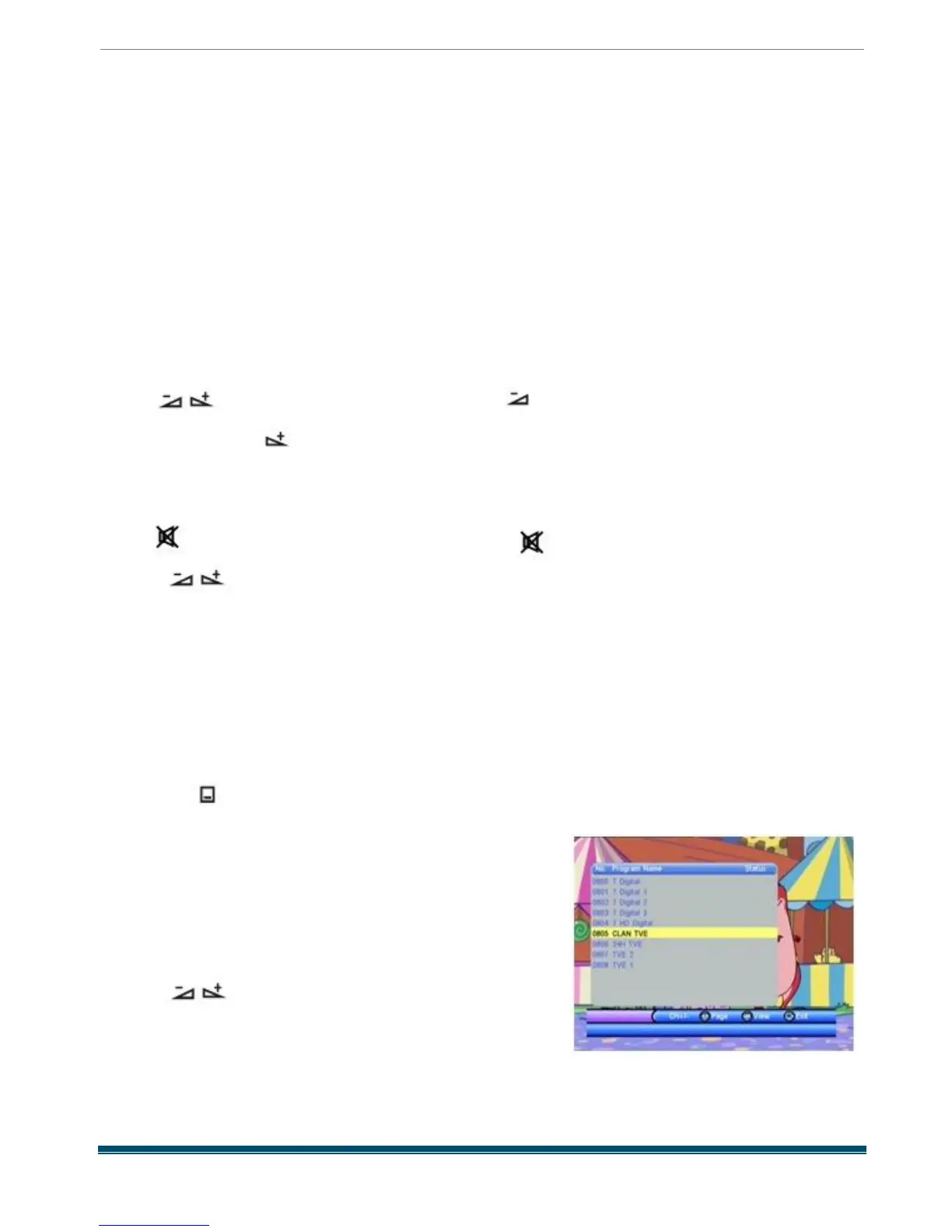
1. During the viewing or listening , press OK
key to
pop up the TV program list or the Radio
program list
2. Press PR + , PR - keys to select the channel up or
down , and then press OK key to play this channel in full
-screen.
3. Press keys to select the page
4. Press MENU or EXIT key to close this
window.



 To Next Page