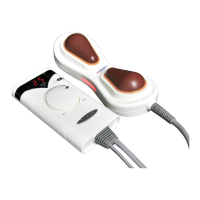
NM-200
Product Components
Names and Functions of Product
Descriptions for Controller Buttons
8
9
10
Product Introduction
NM-200
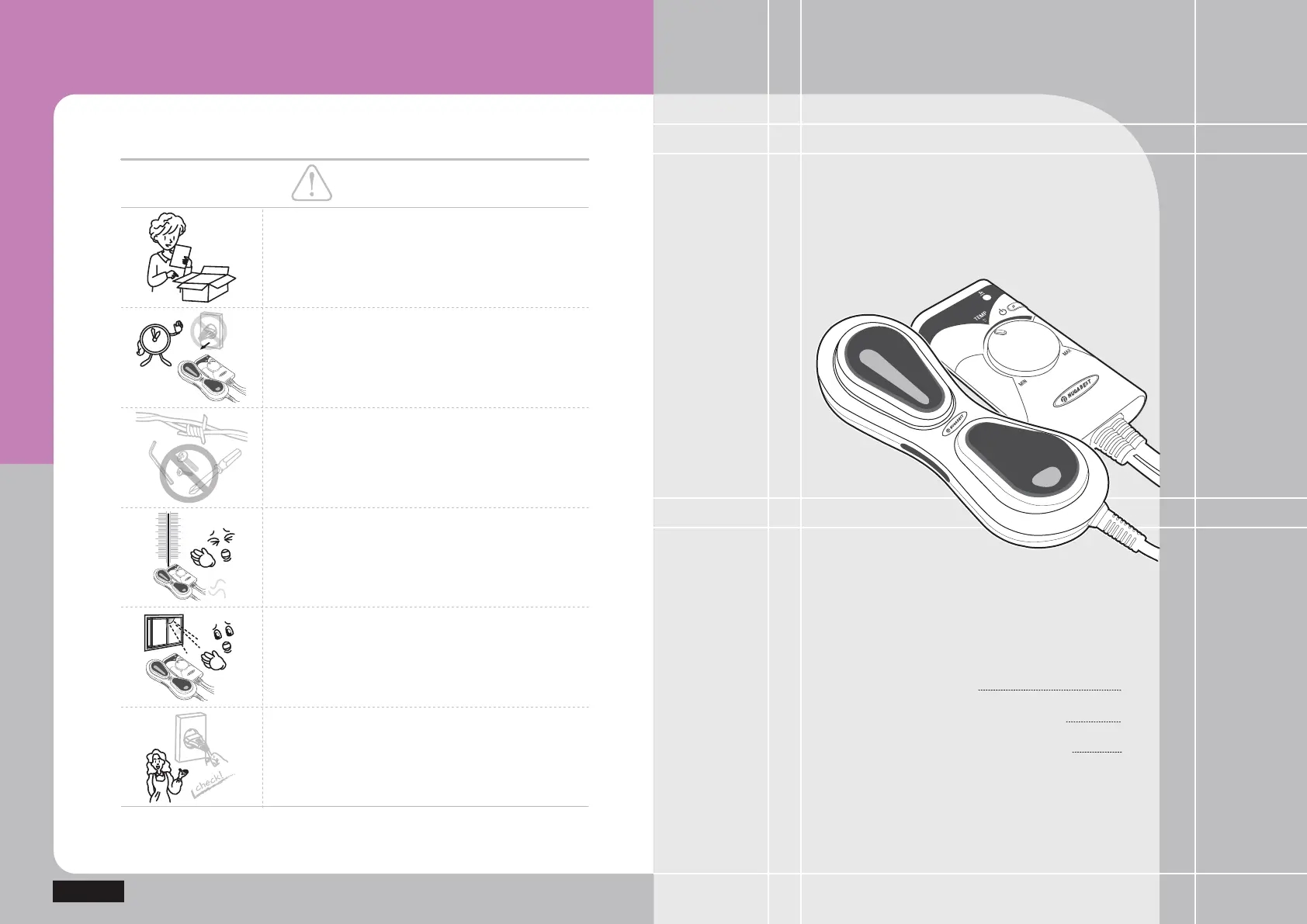
Remove the power cord from the socket during no
use for a long time.
Keep any pin, wire or other metallic pieces from
stabbing or inserting to the product.
(Otherwise, it might cause damage to the
product.)
Use the product in a proper range of temperature
(50~60).
(Otherwise, it might cause burns.)
Do not expose the product to the direct sunlight.
(Otherwise, it might cause damage to the product.)
Check out the voltage before any use to ensure
the applicable voltage and apply the power plug to
the dedicated socket in any way.
Please abide by defined time and methods.
Caution
]WGGGGGGGGGGGGGGGG]W
\WGGGGGGGGGGGGGGGG\W
[WGGGGGGGGGGGGGGGG[W
ZWGGGGGGGGGGGGGGGGZW


 To Next Page