How to Use Product
TUFQ
TUFQ
TUFQ
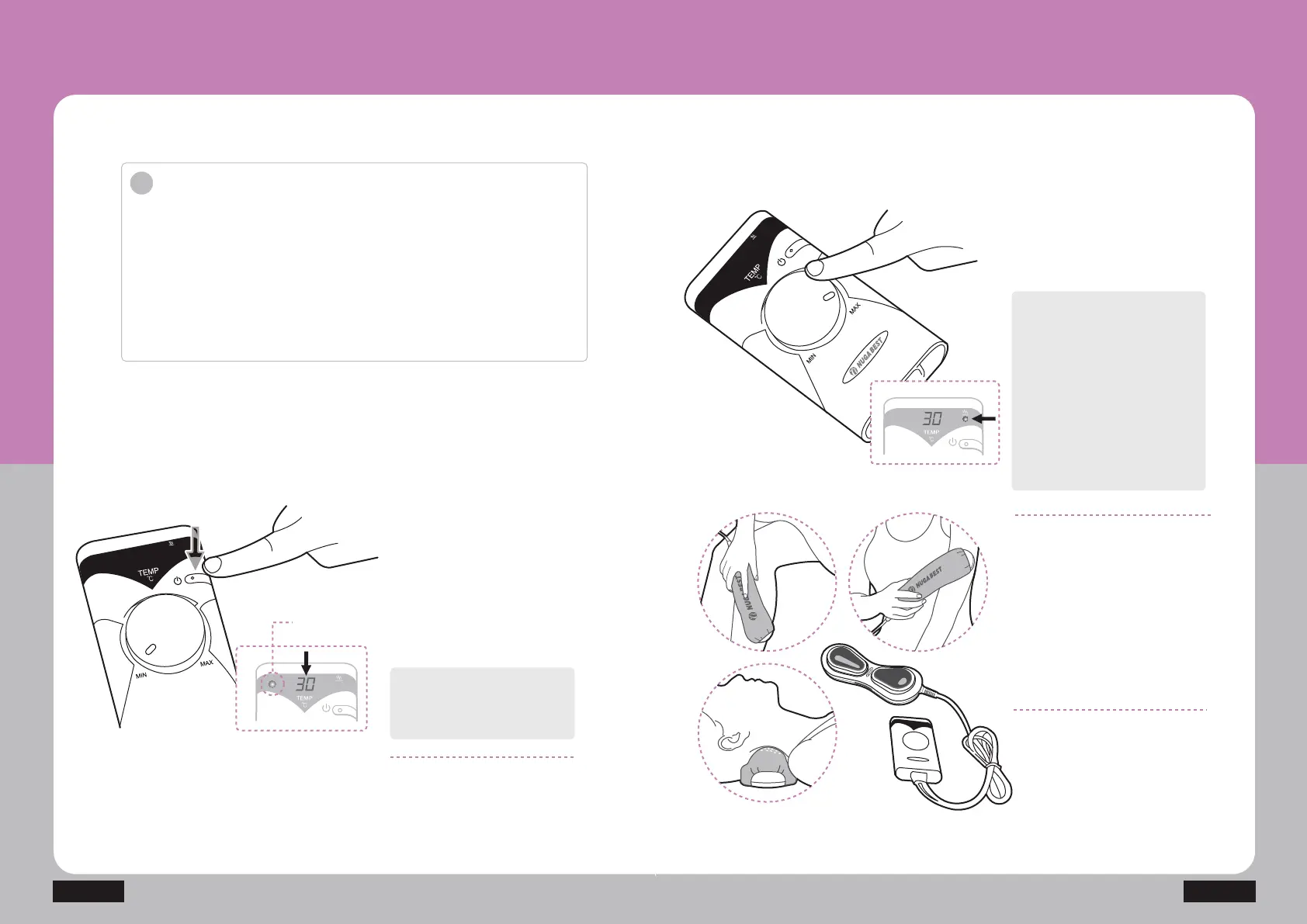
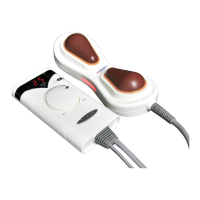
Press the power button on the
controller to turn on the power
supply for the product and
controller after connecting the
power cord to a socket.
The current temperature is
shown on the temperature
indicator window.
The current temperature is
shown on the temperature
indicator window after the
user’s setting temperature
is blinking three times.
A red light is lit on the
operation indicator lamp if
the current temperature is
higher than the setting
temperature.
Turn the temperature control dial
clockwise on the controller to set
the desired temperature.
(30~70)
Power
indicator lamp
How to Use Product
Before using product
'RQRWXVHLWIRURWKHUXVDJHVWKDQWKHGHVFULEHGSXUSRVHVRIXVHV
&KHFNRXWWKHYROWDJHLQXVHEHIRUHDQ\XVH
$Q\RQHXVLQJDFDUGLDFSDFHPDNHUVKRXOGFRQVXOWZLWKDGRFWRU
before any use of this product.
1HYHUXVHRWKHUWHPSHUDWXUHFRQWUROOHUVZLWKGLIIHUHQWspecifications.
'RQRWSODFHWKHFRQWUROOHUFRYHUHGZLWKDQ\TXLOWGXULQJXVH
8VHWKHSURGXFWLQDSURSHUUDQJHRIWHPSHUDWXUH
Keep the product tightly close
to the desired area in the body
after setting the temperature.
i
NM-200


 To Next Page