How to Use Product
How to Use Product
Before using product
· Do not fold the product in use.
· Check out the voltage in use before any use.
· Anyone using a cardiac pacemaker should consult with a doctor
before any use of this product.
· Use the product in a proper range of temperature.
i
i
TUFQ
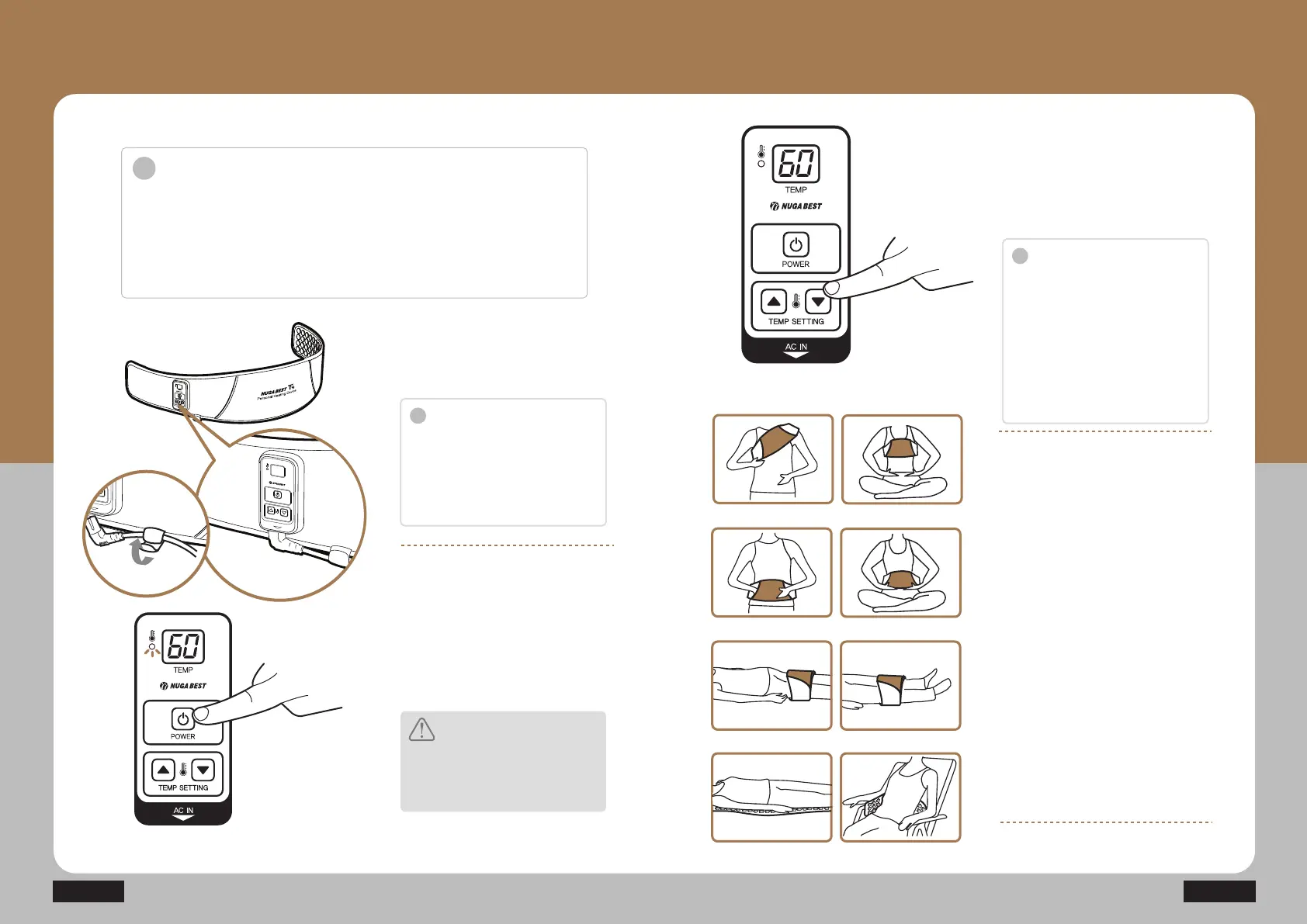
Connect the power cable as
shown in the figure.
TUFQ
Press the temperature setting
button to set the temperature to
the desired level (40~70ϸ).
T9
TUFQ
By pressing the power button, the
power LED lamp is turned on.
(The default temperature is set at
40ϸ and the current temperature
is displayed.)
Caution
There is a risk of burn caused by
overheating when the device is used at
HIGH temperature (e.g., 70ϸ) for more
than an hour, so please be careful.
Notice
i
Notice
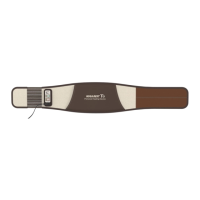
T9 can be used for a user with waist
size of 26-46 inches.
(By using the extension band, it can be
used up to the waist size of 54 inches.
Please inquire if it is used for more than
54 inches.)
Set the temperature level, and
place the device on the body.
TUFQ
The default temperature is set at 40ϸ.
Press the temperature adjustment
button (UP/DOWN) to set the desired
temperature. Once the temperature
reaches the set temperature, it is
maintained at the set level
automatically.
(The temperature can be changed by
1°C. Press and hold to change the
temperature quickly.)
Legs
Back
Abdomen
Knees
Shoulder Chest


 To Next Page