EasyManua.ls Logo

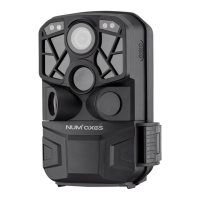
Num'axes PIE1027 - Product View and Parts Identification; Users Guide

Num'axes PIE1027
Print Icon
To Next Page IconTo Next Page
To Previous Page IconTo Previous Page
Loading...
PIE1027 indice B juillet 2018 13/56
User’s guide
1. Contents of the product
trail camera
mounting strap
USB cable
user’s guide
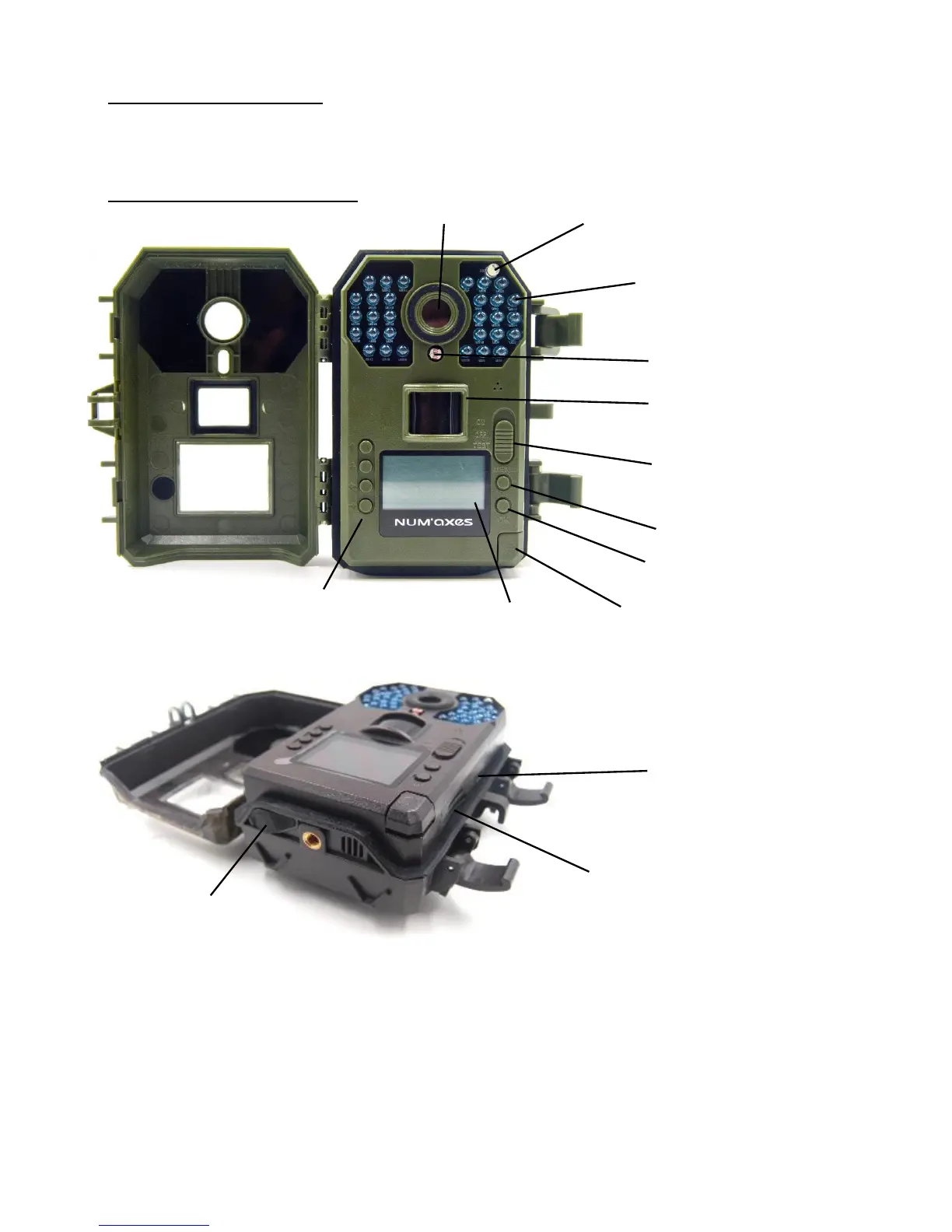
2. Presentation of the product
The camera provides the following connections for external devices: USB port, SD card slot and
external power connector.
A control key interface with six keys is primarily used in TEST mode to select operational functions
and parameters. As shown above, these keys are: UP, DOWN, LEFT, RIGHT, OK and MENU.
When the power switch is slid to TEST position, the current settings are displayed on the LCD
screen.

Lens
Light sensor
Passive infrared sensor
(PIR)
Power switch
ON / OFF / TEST
Button to eject battery tray
LCD screen
Infrared LEDS
USB port
SD card slot
External power port
MENU
OK
Light indicator
Navigation buttons
UP / DOWN / LEFT / RIGHT

Related product manuals