Operating Instruction and Documentation
MCS 5500 ND WIRELESS
- 26 -
6.3 Reset the MCS after an emergency lowering
A reset of the system can be enforced, if the MCS are in the lowest position.
An access on the DIP-Switch can take place only with a switched off main switch and
only through instructed, authorized technical personnel.
a) There must not be a vehicle on the lift.
b) Remove the cover of the operating unit.
c) Open the cover of the electrical box.
d) Press the button 1 (see pic. 14) and hold it.
e) Switch-off the main switch and wait 5 sec. Hold the reset button.
f) Switch-on the main switch and wait 5 sec. Hold the reset button.
g) Let go off the reset button.
h) Press the button „ lowering“ until all lifts are in the lowest position.
i) If necessary repeat several times the steps d) until h) so that the lift is surely in the lowest
position.
j) After that move the Dip-switch 7 on position „on“.
k) Dip-switch 5 stays on position „on“.
l) Repeat the steps d) until h)
m) After that, move the Dip-switch 7 on position „off“. Dip-switch 5 stays on position „on“.
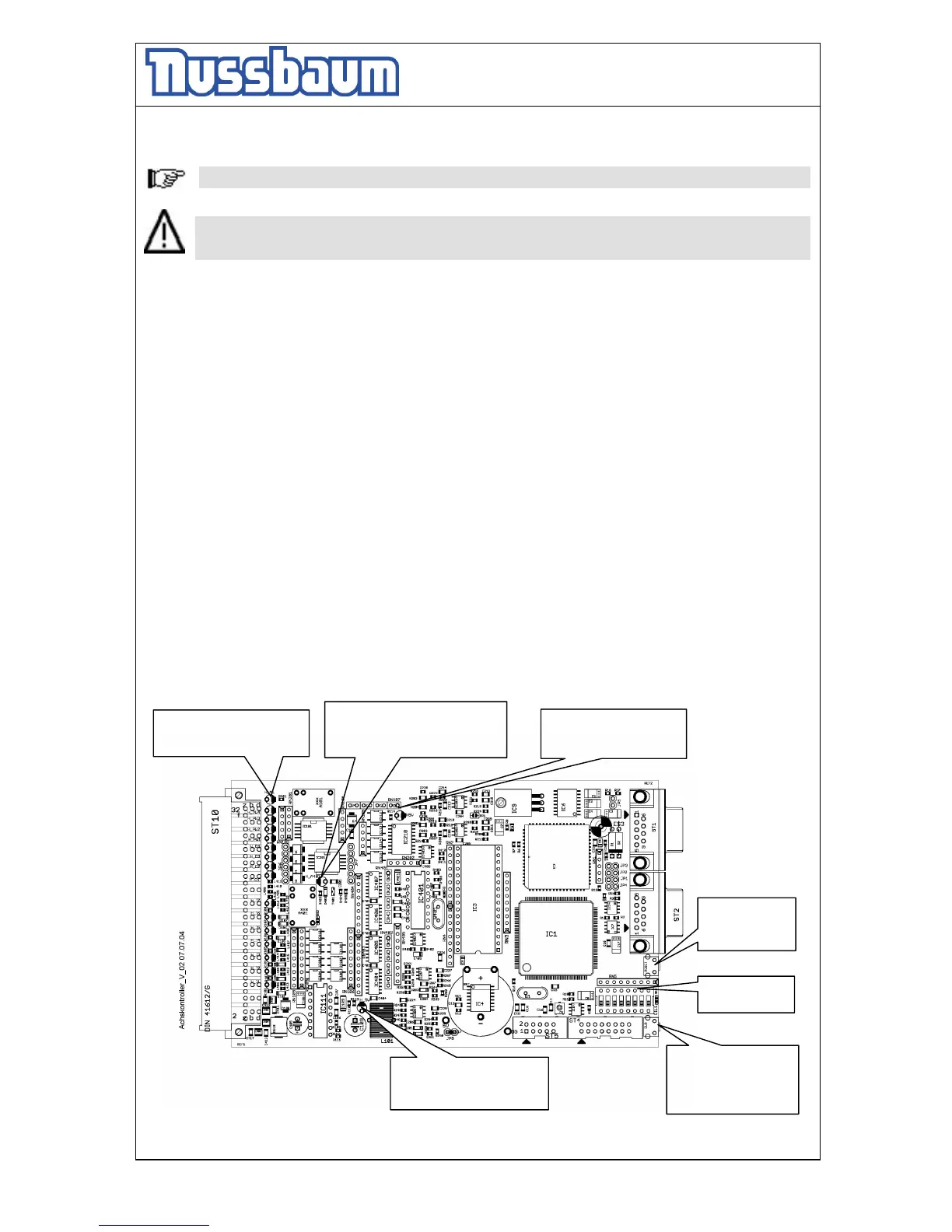
n) On the computer-board must now three diodes lighten permanently. One additional diode must
be blinking in the frequency of approx. 1 sec.
o) Raise and lower the automotive lift a few times without load. Observe the process.
p) Mount the covers.
pic 18: controller
LED (A) switches off in case
of malfunction
LED (B) switches off in case of
malfunction in the measure
systems. (redundant: examine the


 To Next Page