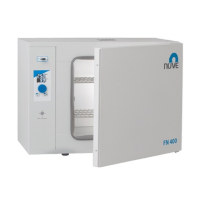
10
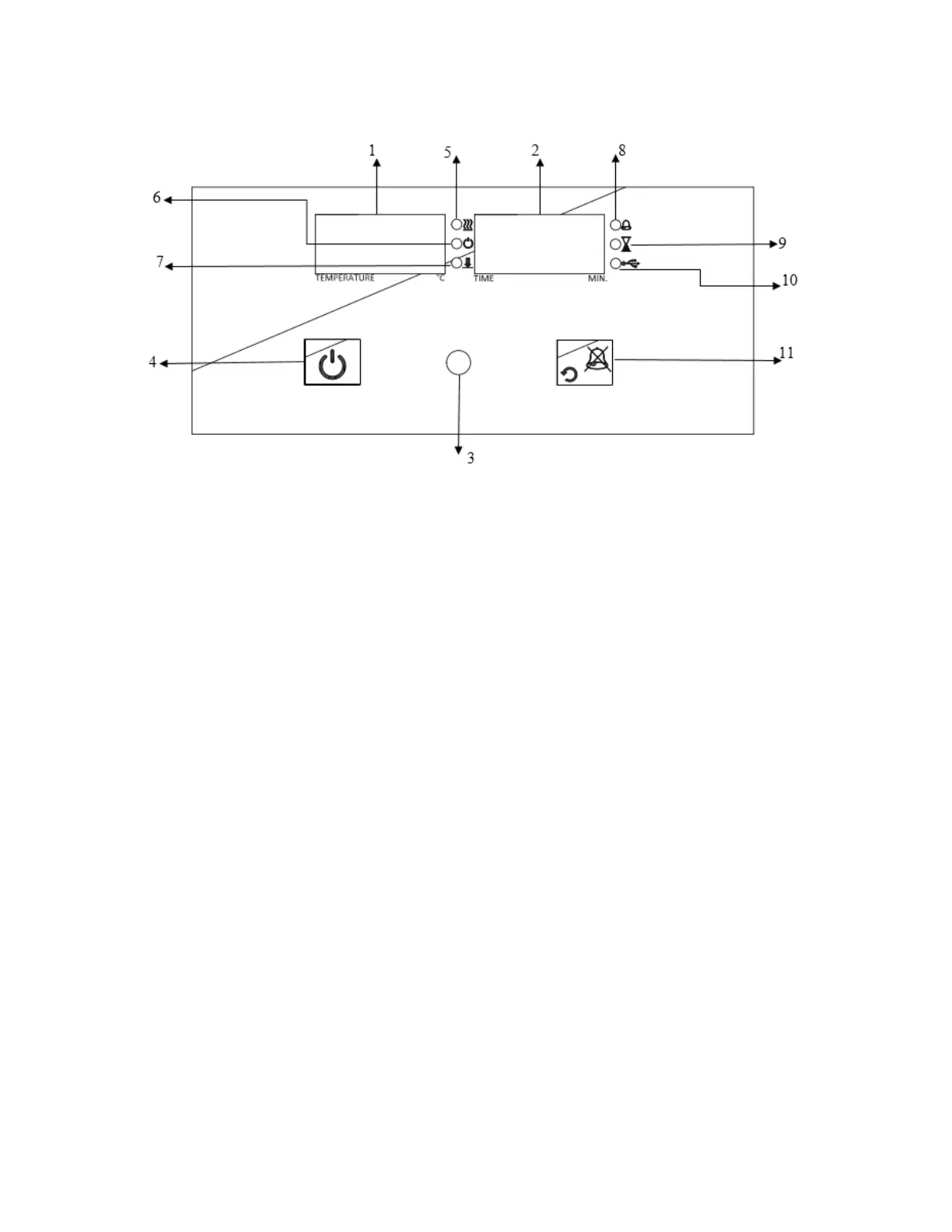
5.7 CONTROL PANEL
Figure 4
6. “Operating the program” lamp
11. Back / Alarm mute button
9. “End of the program” lamp
5.7.1 Explanations and Functions for Display and Control Panel
01-Temperature Display
This display shows
Sterilization chamber temperature during “stand-by” and during the operation (thermometer
position),
During program preparation, the temperature setting values or the alarm setting values,
Failure codes,
EoF warning when power is interrupted,
The set temperature values and alarm values.
02-Time Display
This display shows the values set for time during program preparation. Also; this display shows
he time values in the control of the settings.



 To Next Page