nuwavenow.com | 9
TEMP
Allows you to view or adjust the cooking
temperature. Default is 350°F . Range
50°F-450°F.
1. Press TEMP and make any
adjustments to the cooking
temperature by turning the START/
PAUSE dial.
2. Press START/PAUSE to begin cooking
at the set temperature.
• The cooking temperature can be
adjusted at any point before or during
the cooking process. The Bravo
will continue to cook at the new
temperature.
INSTRUCTIONS
START/PAUSE
The default is 350°F for 15 minutes
1. Press START/PAUSE to begin
cooking.
2. Press again to pause cooking.
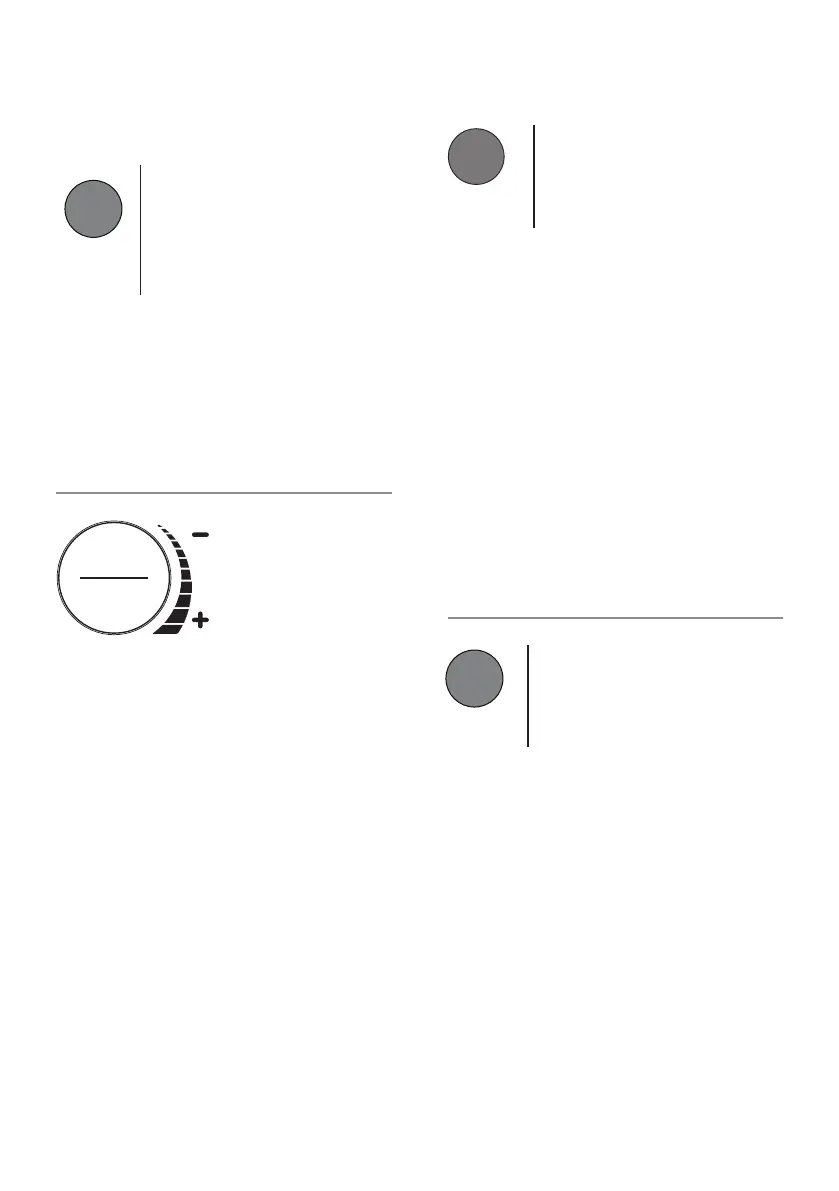
3. Turn the START/PAUSE dial to adjust
the TEMP or TIME, TOP/BTM, and to
select MENU items.
4. When the Bravo has finished cooking,
it will beep 3 times and “End” will be
shown on the display.
MUTE/UNMUTE
1. Press and hold START/PAUSE until 2
beep are heard.
2. Repeat to unmute.
ON/OFF
1. Turns the Bravo® ON and OFF. This
also stops any cooking function.
NOTE:
• TEMP, TIME, FAN, TOP/BTM will
show in the display.
Getting Started
/
3 5 0
F
3 5 0
F
ON/OFF
TIME
View or adjust the cooking time. Default is
15 minutes. Range is 00:01-99:99
1. Press TIME and make any adjustments
by turning the START/PAUSE dial.
2. The Bravo will continue to cook at the
new time setting.
Time range Chart
• 50F~275F: 00:00-99:99 (0-min. to 99-
hrs., 99-min.)
• 280F~400F: 00:00-24:00 (0-min. to 24-
hrs.)
• 405F~450F: 00:00-01:00 (0-min. to
1-hr.)
0 1
:
0
0
TIME




 To Next Page