17
17
• Sear again at 400°F for 5 minutes (sear 2).
• Finish cooking and display End.
To adjust the regular cooking temperature and time:
1. Press ON/OFF.
2. Press - or + to adjust to your desired temperature.
3. Press COOK TIME. Press - or + to adjust to your desired time.
4. Press SEAR twice.
5. Press START/PAUSE. The Brio will:
• Sear at 400°F for 5 minutes (sear 1).
• Cook at selected temperature and time.
• Sear again at 400°F for 5 minutes (sear 2).
• Finish cooking and display End.
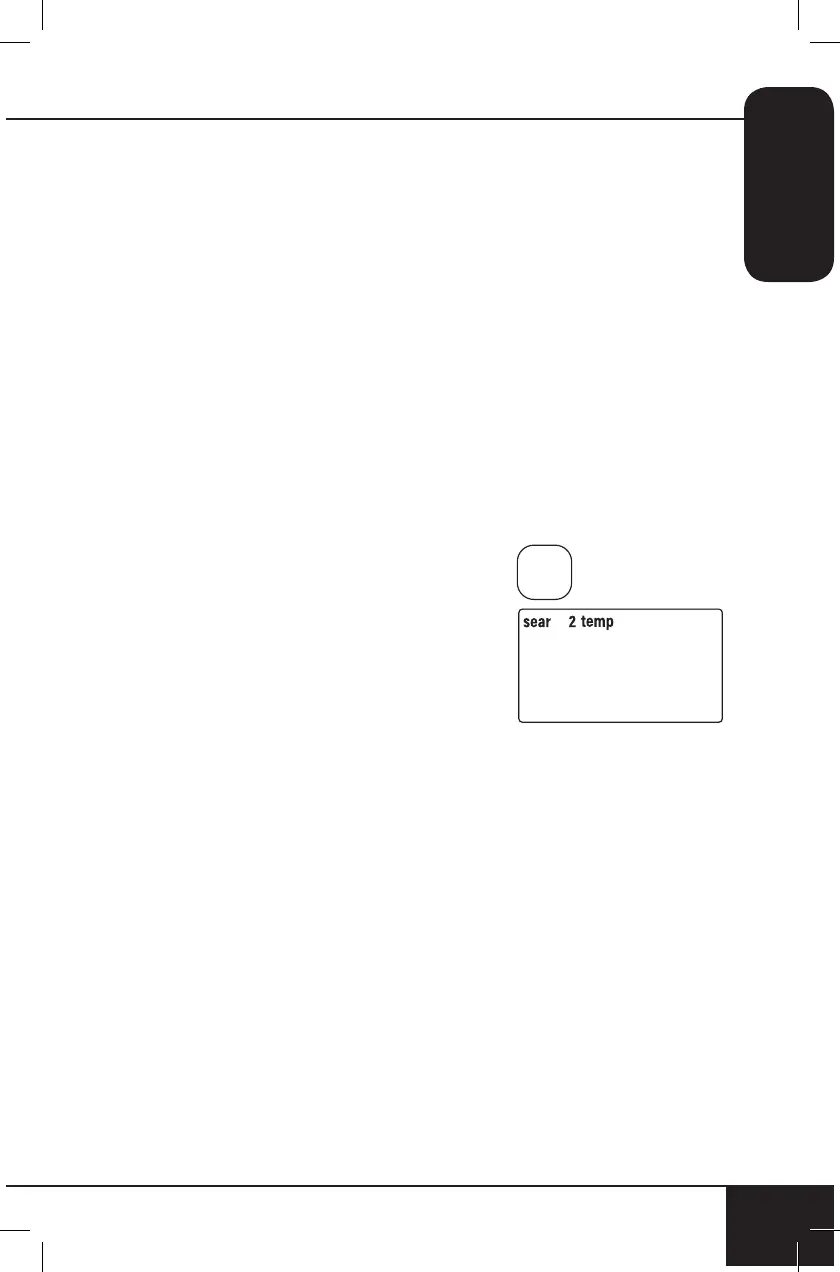
Sear 2
Sear 2 will always be the stage AFTER the regular cooking stage.
Default - 400°F, 5 minutes.
1. Press ON/OFF.
2. Press SEAR three times. 2 will ash.
3. Press START/PAUSE.
• The Brio will cook your food at
360°F for 15 minutes (default),
then sear at 400°F for 5 minutes
(sear 2).
• When the Brio is nished
cooking, End will be displayed.
To adjust the regular cooking temperature and time:
1. Press ON/OFF.
2. Press - or + to adjust to your desired temperature.
3. Press COOK TIME. Press - or + to adjust to your desired time.
4. Press SEAR three times.
5. Press START/PAUSE. The Brio will:
• Cook at selected temperature and time.
• Sear at 400°F for 5 minutes.
• Finish cooking and display End.
Notes:
• Press SEAR four times to clear out Sear function.
• Maximum temperature for all sear functions is 400°F.
• Maximum time for all sear functions is 5 minutes.
400F
SEAR



 To Next Page