20
Owner’s Manual
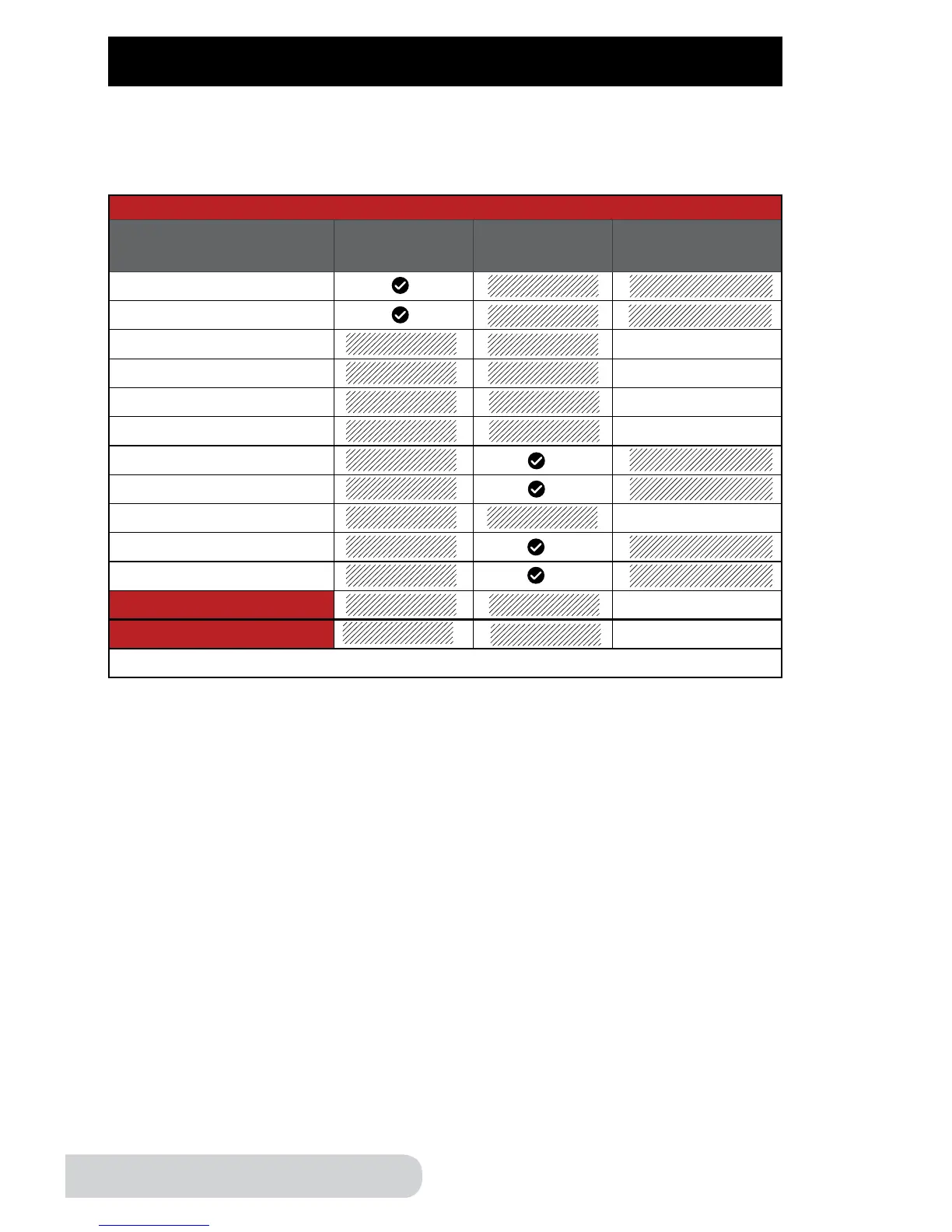
Auto Warm Feature
Presets Indenitely* Auto Shutoff
Time
(Hours: Minutes)
Rice
Multi Grain
Soup
04:00
Meat/Stew
02:00
Poultry
01:00
Beans
04:00
Fish
Steam/Veggies
Potatoes
01:00
Bake
Canning
Warm (Function)
04:00
Slow Cook
04:00
*End by pressing “start/stop”.
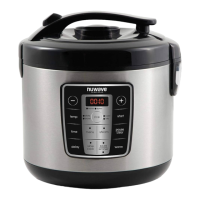
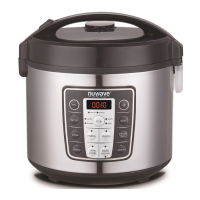
Auto Warm Feature: When cooking is complete, the pressure cooker
automatically switches to the Warm function. Default warm time changes
depending on the preset used.
CONTROL PANEL (Continued)
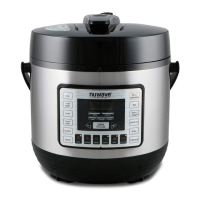
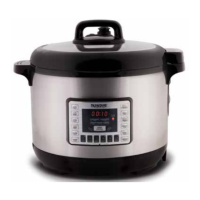
Example: When the “rice” preset is complete, the NuWave Nutri-Pot
®
Digital
Pressure Cooker will keep your “rice” warm indenitely, until you press the
“start/stop” button.
Note:
Food can be prepared at an earlier time and kept warm inside the Pressure
Cooker using the “Warm” function. Food can be kept warm for up to 4 hours.
Additional time may cause a change in avor, appearance, and cause food
to spoil.


 To Next Page