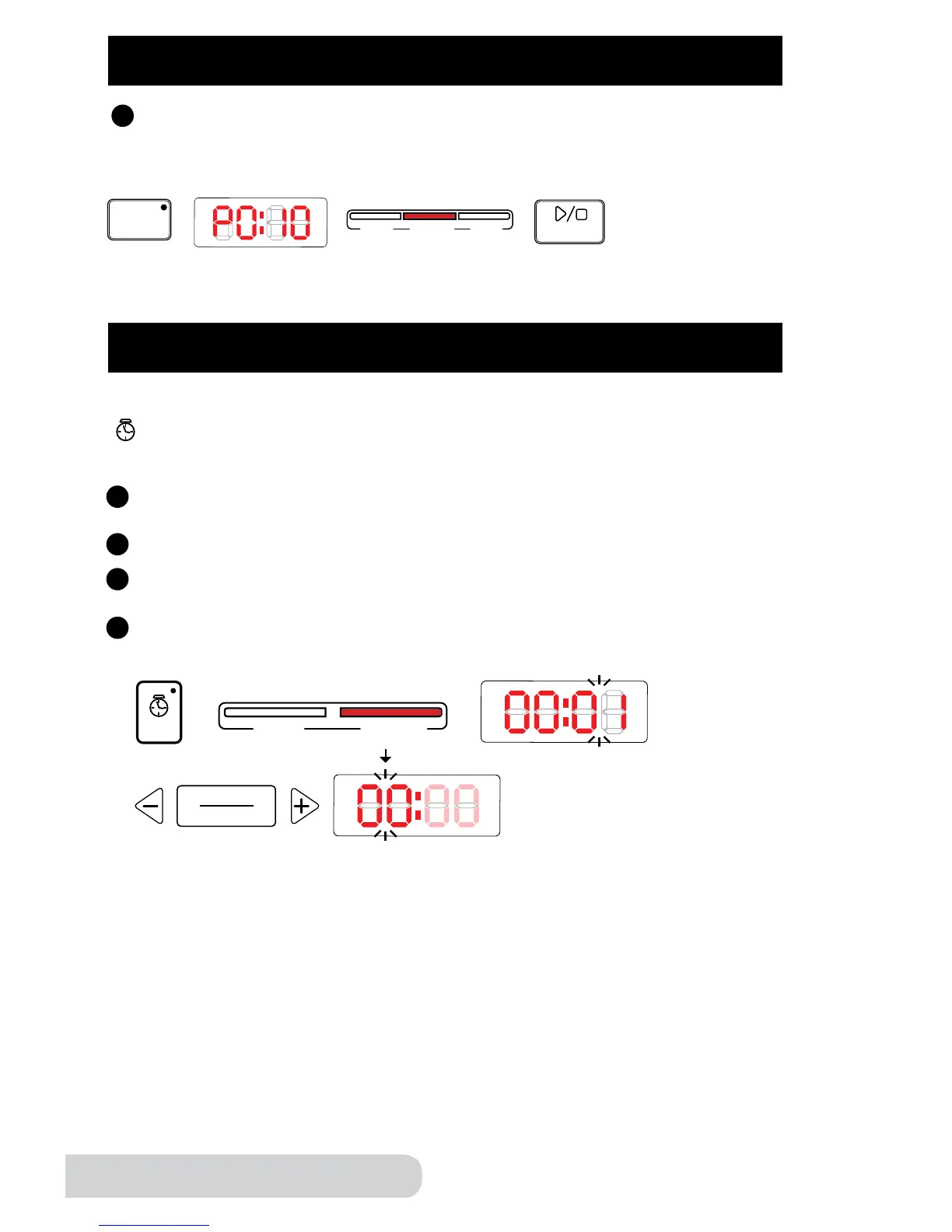
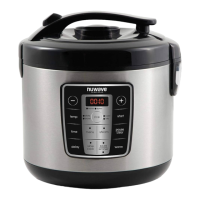
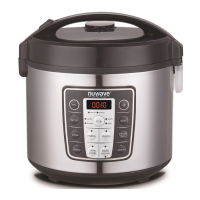
Follow these simple steps for each preset. On this example P0:10 is the default
pressure time. The pressure time will vary depending on the preset you choose.
Example:
FUNCTIONS
Time: This function lets you manually adjust the cooking time, overriding
the presets and functions.
Directions:
Press the “time” button. “manual” bar will light up and “00:01” will be
ashing. This indicates that you can change the minutes.
Press “+” or “-” to increase or decrease the minutes.
To change hours, press the “hours/minutes” button again. The “00” will be
ashing. This indicates that you can change the hours.
Press “+” or “-” to increase or decrease the hours.


 To Next Page