ConnectX-5 Card Replacement
DGX-2 System DU-09224-001 _v09|44
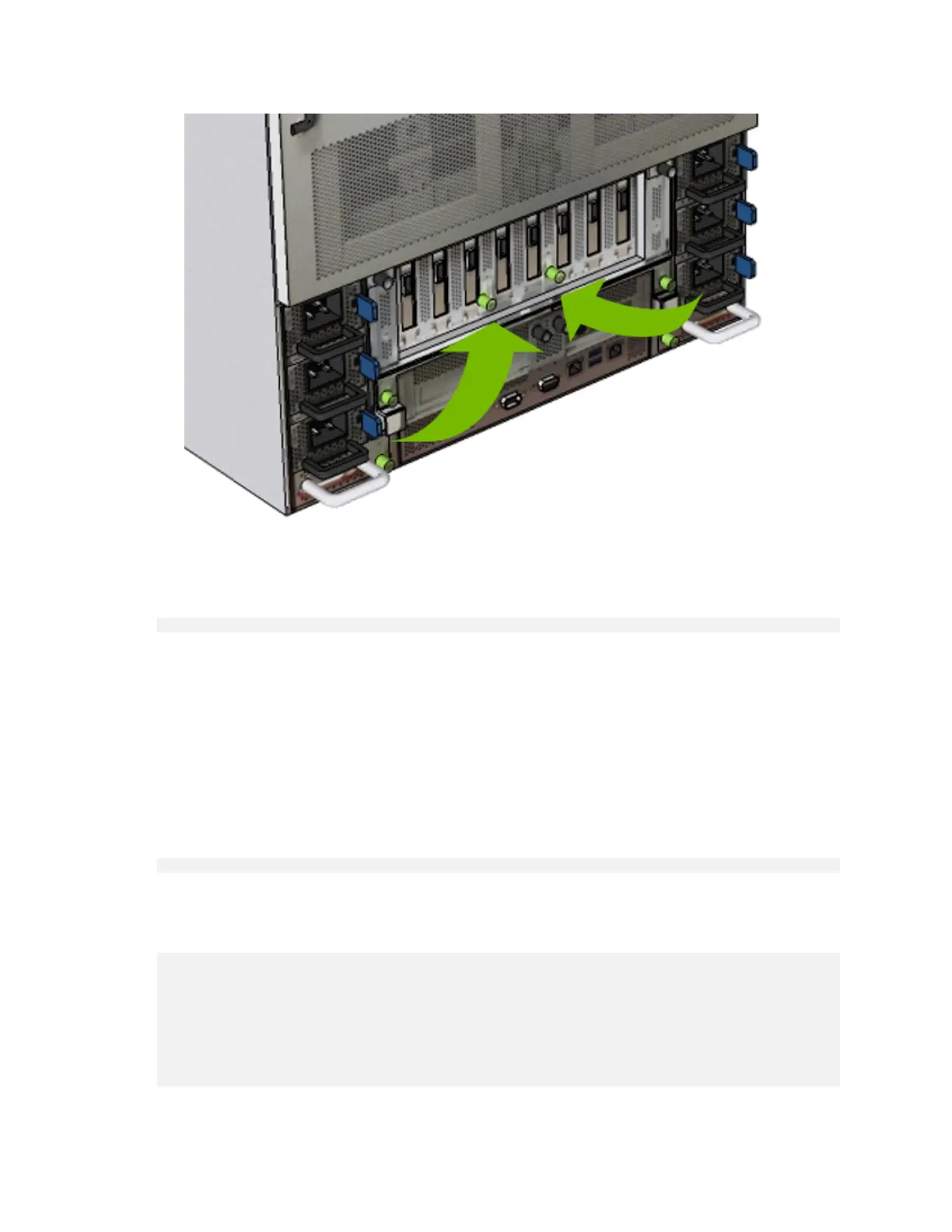
8. Connect all cables back into the ConnectX-5 card ports.
9. Power on the system and log in.
10.Confirm that the system is healthy.
$ sudo nvsm show health
There should be no new alerts listed.
11.3. Verifying the ConnectX-5 Cards
This section describes the steps needed to verify that the ConnectX-5 cards has been replaced
correctly.
1. With the DGX-2 turned on, verify that the card was installed correctly and is recognized by
the system.
$ lspci | grep -i mellanox
The output should show all installed Mellanox cards, including the dual port (and optional
dual port) cards.
Example
35:00.0 Infiniband controller: Mellanox Technologies MT27800 Family [ConnectX-5]
3a:00.0 Infiniband controller: Mellanox Technologies MT27800 Family [ConnectX-5]
58:00.0 Infiniband controller: Mellanox Technologies MT27800 Family [ConnectX-5]
5d:00.0 Infiniband controller: Mellanox Technologies MT27800 Family [ConnectX-5]
86:00.0 Ethernet controller: Mellanox Technologies MT27800 Family [ConnectX-5]
86:00.1 Ethernet controller: Mellanox Technologies MT27800 Family [ConnectX-5]
b8:00.0 Infiniband controller: Mellanox Technologies MT27800 Family [ConnectX-5]
bd:00.0 Infiniband controller: Mellanox Technologies MT27800 Family [ConnectX-5]
e1:00.0 Infiniband controller: Mellanox Technologies MT27800 Family [ConnectX-5]


 To Next Page
 Loading...