4.
5.
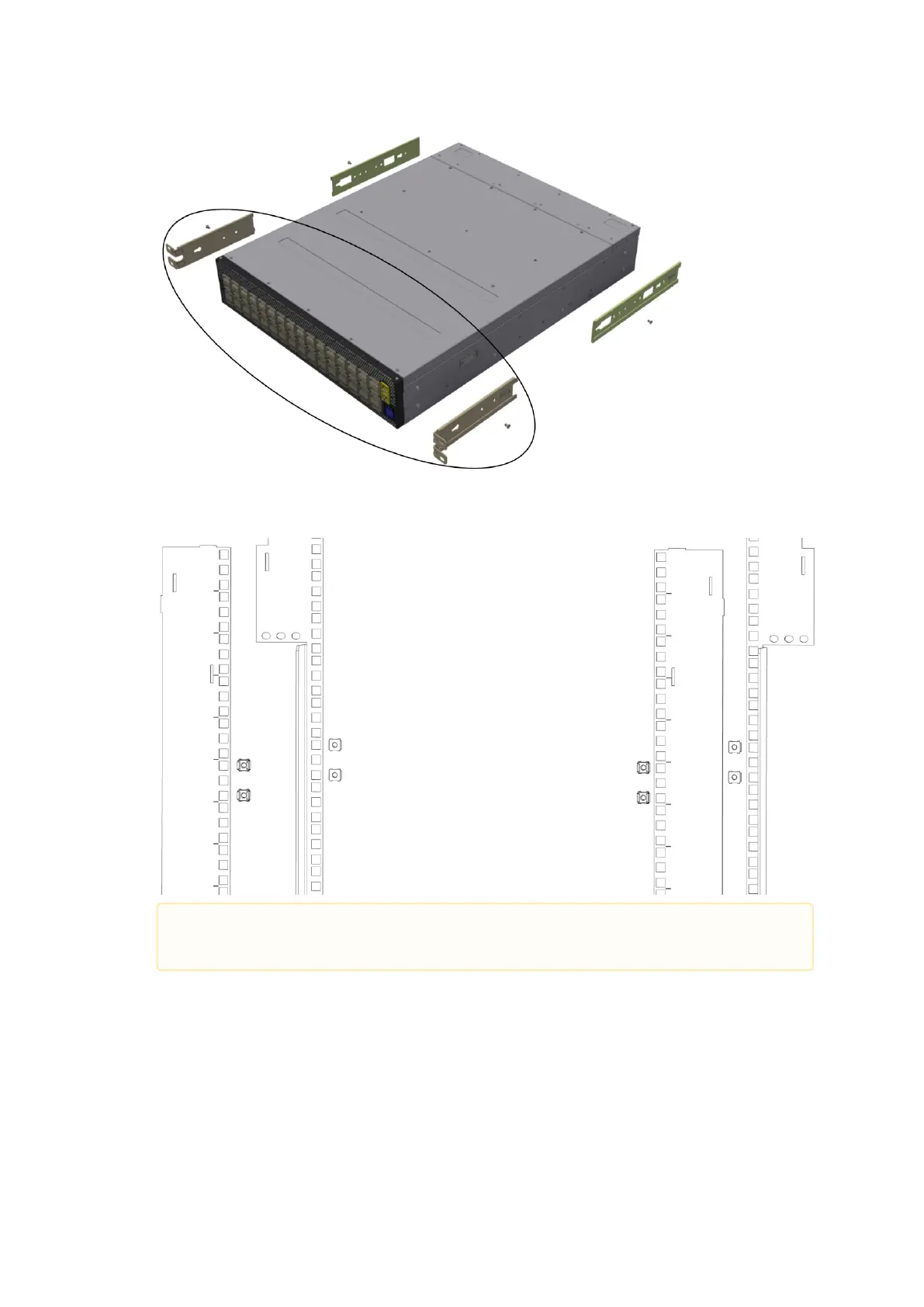
Install 8 cage nuts (D) in the desired 1U slots of the rack: 4 cage nuts in the non-extractable
side and 4 cage nuts in the extractable side.
Installing the Cage Nuts
While your installation partner is supporting the system’s weight, perform the following
steps:
Attach the two rack mount blades (B) to the back side (FRU side) of the rack by inserting four
M6 screws (E) in the designated cage nuts. Do not tighten the screws yet.
Attaching the Brackets to the Rack
While each rack U (unit) consists of three holes, the cage nut should be installed
vertically with its ears engaging the top and bottom holes only.



 To Next Page
 Loading...
