21
6
1
2
3
4
5
7
8
9
10
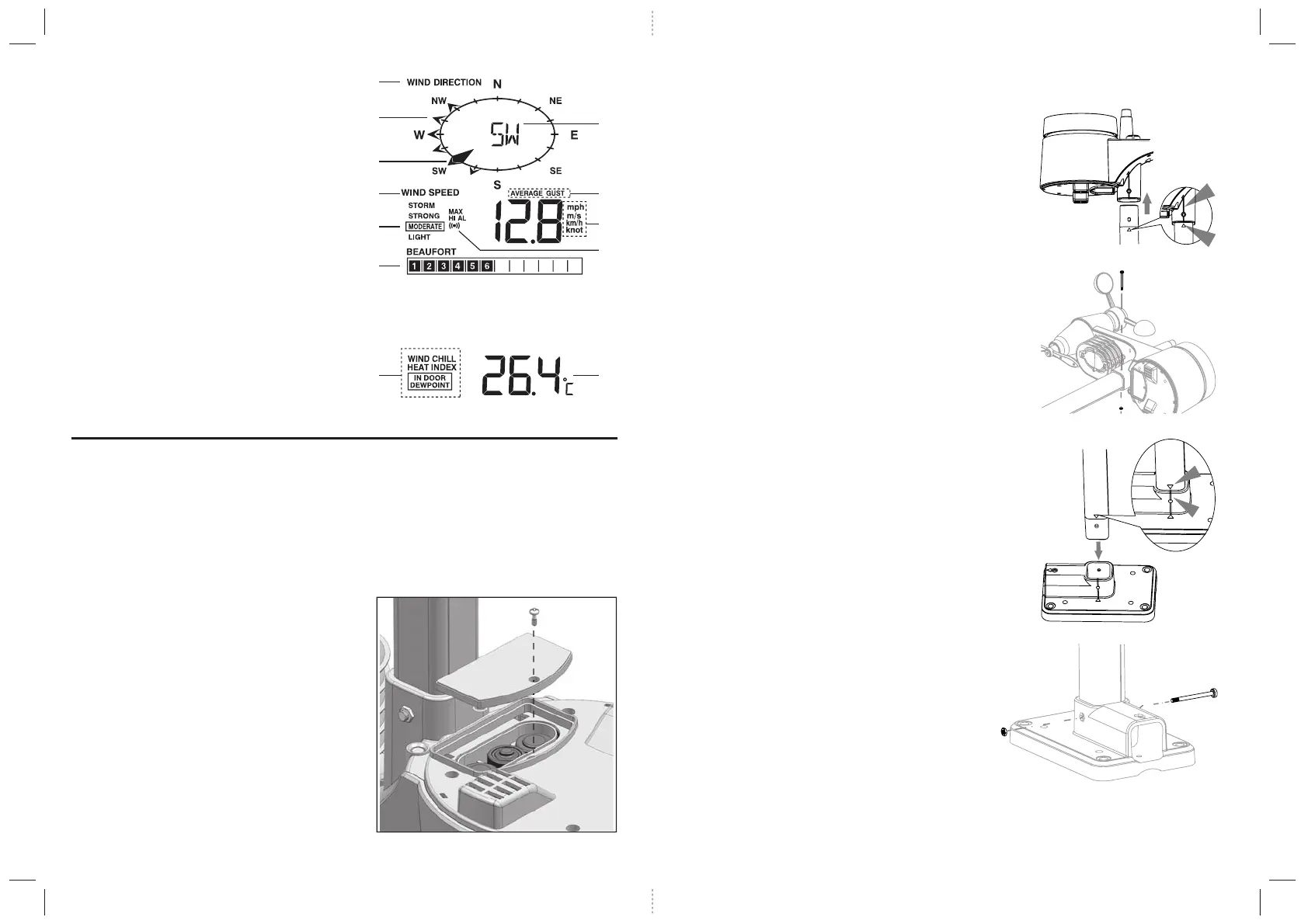
Wind direction/Wind speed
1. Wind direction indicator
2. Wind direction indicator(s) during last hour
3. Current wind direction indicator
4. Wind speed indicator
5. Wind levels and indicator
6. Beaufort scale reading
7. Current wind direction reading
8. Average/Gust wind indicator
9. Wind speed unit (mph / m/s / km/h / knot)
10. Hi Alert and Alarm
Wind chill/ Heat index/ Indoor dewpoint
1. Wind chill/ Heat index/ Indoor dewpoint indicator
2. Wind chill/ Heat index/ Indoor dewpoint reading
INSTALLATION
Wireless Sensor
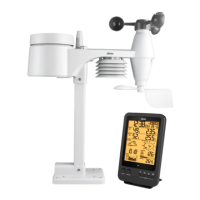
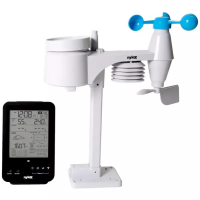
Your wireless sensor measures wind-speed, wind-direction, rainfall, temperature and humidity for you.
It’s fully assembled and calibrated for your easy installation.
Battery and installation
Unscrew the battery door at bottom of unit and insert the batteries according to the “+/-”polarity indicated.
Screw the battery door compartment on tightly.
Note:
1. Ensure the water tight O-ring is properly aligned in place to
ensure water resistant.
2. The red LED will begin flashing every 12 seconds.
5 6
ASSEMBLE THE STAND AND POLE
Step 1
Insert the top side of the pole to the square hole of the
weather sensor.
Note:
Ensure the pole and sensor's indicator align.
Step 2
Place the nut in the hexagon hole on the sensor,
then insert the screw in other side and tighten it
by the screw driver.
Step 3
Insert the other side of the pole to the square
hole of the plastic stand.
Note:
Ensure the pole and stand's indicator align.
Step 4
Place the nut in the hexagon hole of the stand,
then insert the screw in other side and then
tighten it by the screw driver.


 To Next Page