NZXT. 11
External 3.5” Drive Bay Installation
The NZXT Tempest comes standard with one external 5.25” to 3.5”
bracket attached to the inside the 3
rd
bay. Please follow the
directions below to install the external 3.5” devices:
1. Remove the 5.25” black mesh for the 5.25” to 3.5” bracket
bay.
2. Attach the floppy drive to the bracket.
3. Slide the bracket in from the front of the chassis.
4. Secure the bracket from inside the chassis using the screw
less locks or standard screws.
Internal 3.5” Drive Bay Installation
The NZXT Tempest comes standard with one external 5.25” to 3.5”
bracket attached to the inside the 3
rd
bay. Please follow the
directions below to install the external 3.5” devices:
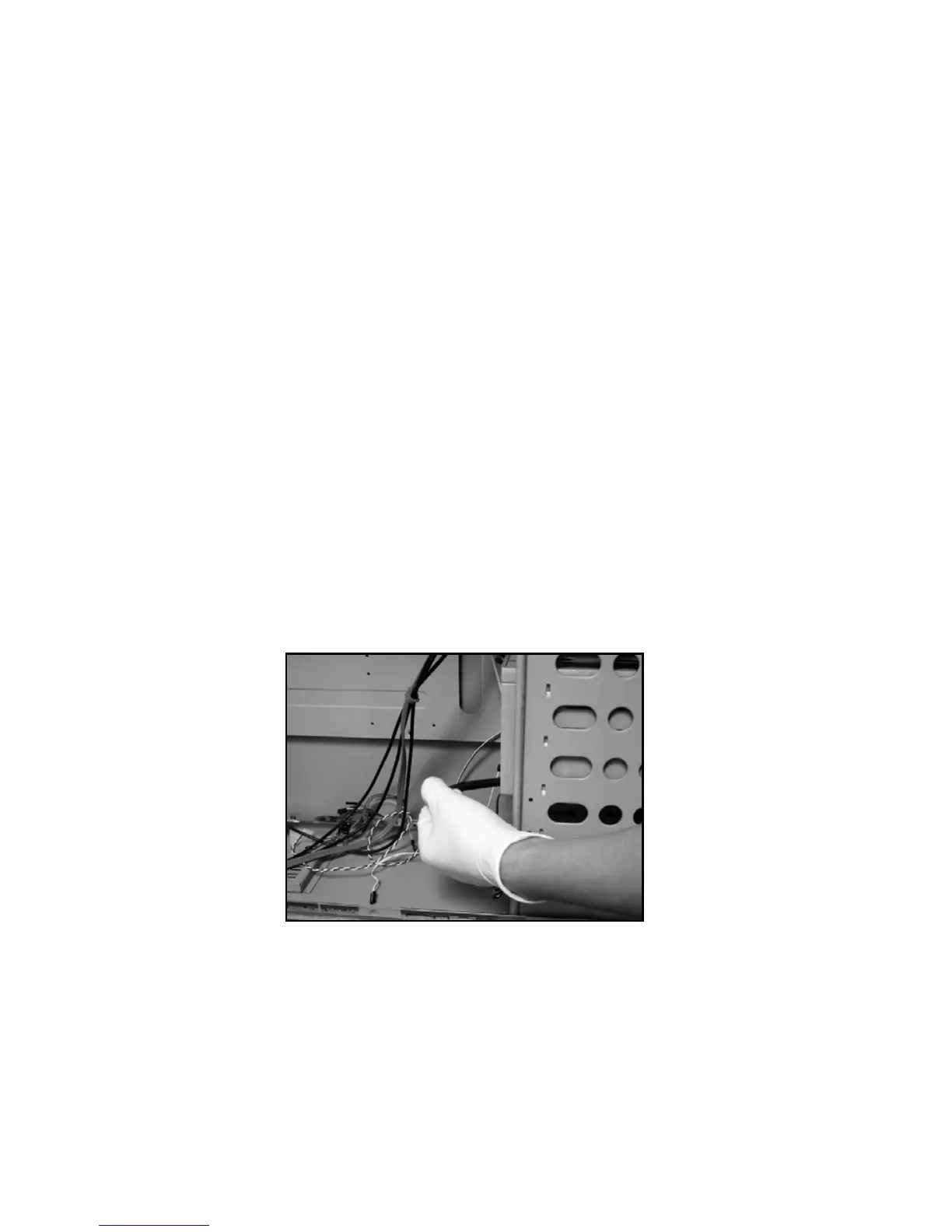
1. Open the side panel to gain access inside the chassis.
2. Take the screw less rails from the hard drive cage.
3. Attach the rails onto the hard drive.


 To Next Page