Page 4 of 6
800-1060 Rev: A
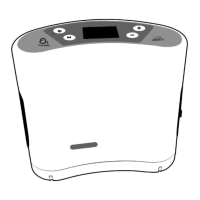
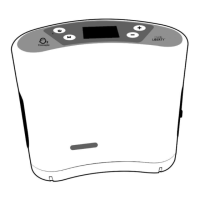
Initializing DNA Technology
®
1. Power the device on and allow it to run for five minutes.
2. From the Main Screen, press and hold the Up Arrow button and Down Arrow button
simultaneously to enter the Service Mode Screen.
3. From the Service Mode Screen, press and hold the Up Arrow button and Mode button
simultaneously to enter the MEID Screen.
4. To ensure the cell connection is working properly, check the cell status in the red box below. A
well-functioning cell will display “Cell: Connected.” It may take a few minutes for the cell to
connect.
5. If the cell status is other than “Cell: Connected,” check the cell signal strength in the green box
below. A signal strength below 15 has a reduced chance of a proper connection. You may need
to relocate the device within the building to improve signal strength.
6. To ensure that the GPS is working properly, check the geographic coordinates near the bottom of
the screen in the yellow box below. The GPS will display the current latitude and longitude of the
device. These coordinates can be verified using a web mapping application such as Google
Maps.
7. If the GPS does not display the device’s correct location, confirm the device has a “line of sight” to
the sky. This may require you to move the device near a large window or outdoors temporarily. It
may take several minutes for the GPS to maintain a position lock.
8. Press the Down Arrow button to exit the MEID Screen and return to the Main Screen.
9. If the device has not connected within 15 minutes, power the device off and remove all power
sources (batteries, AC/DC power supply). After 30 seconds, reconnect the power supply and
power the device on to repeat process.
Device Monitoring
1. Access O2 Concepts’ DNA portal at:
www.o2dnaportal.com
2. Enter user name and password.


 To Next Page
 Loading...