8
EN
PLAYING CDS
Basic Controls and Functions
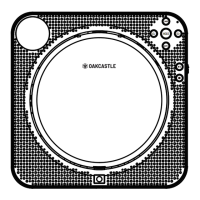
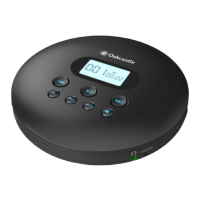
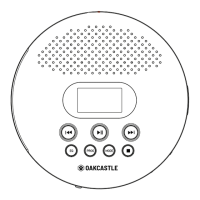
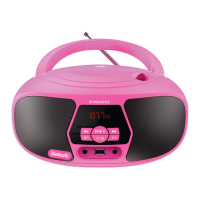
Press Play/Pause (Ref.4)/(Ref.17) to play or pause the CD.
Press Previous (Ref.8)/(Ref.18) to restart the current track or press repeatedly to
skip to previous tracks. Press Next (Ref.9)/(Ref.19) to skip to the next track. Press
and hold Previous or Next (Ref.8)/(Ref.18)/(Ref.9)/(Ref.19) to rewind or fast forward
through a track.
Press ‘Stop’ (Ref.5)/(Ref.16
Repeat Modes
Press ‘Mode’ to switch the playback mode between ‘1’ (repeat current track), ‘ALL’
(play entire CD repeatedly), ‘RND’ (play tracks in a random order), INTRO (play the
the screen).
Program Tracks
Press the PROG button (Ref.6) to begin programming your disc to play in a selected
order. For instructions on how to do this please see page 9.
Auto-resume Function
If the player is turned OFF while playing a track or while paused, the next time it is
switched on, it will resume playing from that track position.
BBS (Bass Boost System)
Ref.15).


 To Next Page