9
EN
PROGRAMMING YOUR DISC
than the default order. To do this, it may help to refer to the album cover or track
list. You can program up to a maximum of 20 tracks.
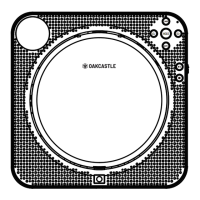
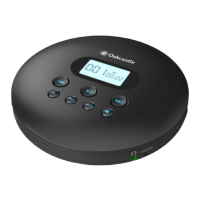
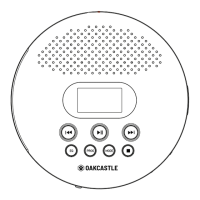
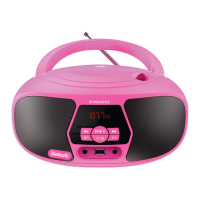
Ensure the CD is stopped. Press PROG to enter program mode (Ref.6).
Using the ‘Previous’ and ‘Next’ buttons (Ref.8)/(Ref.18)/(Ref.9)/(Ref.19), select the
the right hand side, to refer to each consecutive track slot - Programmed track 1,
Programmed track 2, and so on.
Press PROG again (Ref.6
programmed each track slot.
Press Play (Ref.4)/(Ref.17) to begin playing the selected track order.
Note: when playback stops, the programmed playback will be erased. To cancel
programmed playback, press the play button.


 To Next Page