8
EN
PLAY
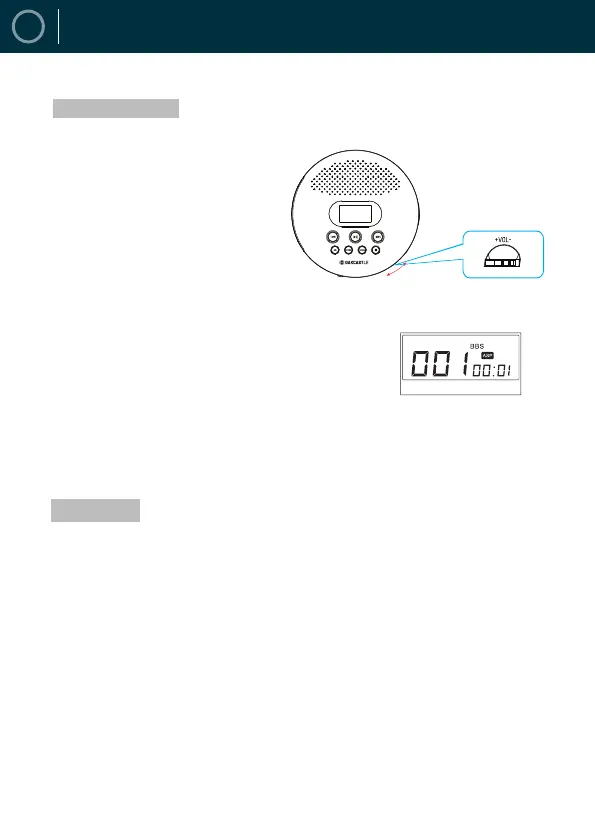
How to Adjust Volume
How to Set-up Sound
The volume knob is located on the side of the
player. Rotate it to the left or right to decrease or
increase the volume. Please listen to music at an
appropriate volume to protect the ears.
How to Set-Up EQ Effect
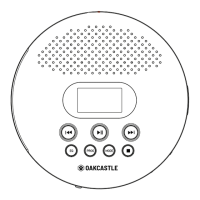
Press the EQ button to change the different
sound effects. There are a total of 5 sound
effects: BBS, POP, JAZZ, ROCK and CLASSIC.
A-B Repeat
Press the display until it shows "A ON".
Press it again, the display shows "AB ON" which
means it will repeat by A-B.
Cancel A-B: Press A-B button once again, the
display shows "AB OFF".


 To Next Page