7
EN
PLAY
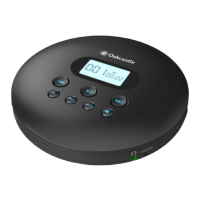
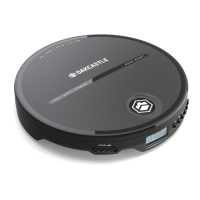
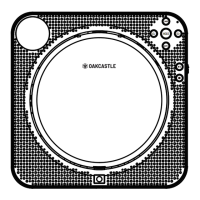
Be sure the player is power on, while inserting the MP3 disc into the player, then close the disc door gently.
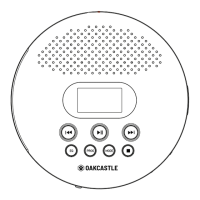
DIR Button: Select the playlist when it plays a MP3 disc.
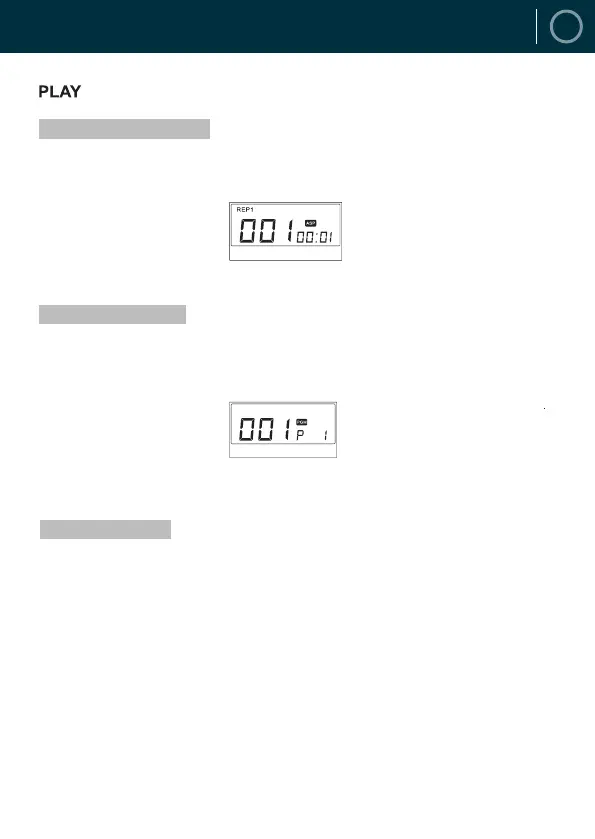
Each time the MODE button is pressed, the order of the tracks played will be as follows: Repeat 1 (REP!),
Repeat all (ALL), Random Play (SHUF), Preview Play (INTRO) (only 10 second per track will be played in this
mode).
Press the PROG button to each the programming mode when the play stops, press the PREVIOUS or NEXT
button to select the track you want t program, press PROG again to confirm the programming. Up to 30 tracks
can be programmed in this mode. After that, press the PLAY button to enter the programming play mode.
Press the STOP button directly to enter the stop mode to cancel or reprogram.
How to Set-Up the Circle Mode
How to Program the Player
How to Play MP3 Disc


 To Next Page