EN
11
Phone SHORTCUTS:
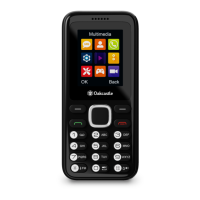
• Phone Menu- Press ‘Left soft key’ Menu button (Ref.4).
• ‘Contacts’ – Press the ‘Right soft key (Ref.8).
• Torch – slide up or down the torch button on a side of the
phone (Ref.10), to switch the torch ON/OFF.
• ‘SOS’ (Ref.12) - Press and hold the ‘SOS’ button for 3
seconds to initiate an emergency call and send the text
message to the phone number of your choice on the same
time. To be able to use the ‘SOS’ button you must first set
your ‘SOS’ emergency preferences and text message via
phone menu- ‘SOS Settings’.
• Create your own phone key shortcuts key for the arrow
buttons via phones- ‘Menu - Phone settings.’
Profiles
• Press and hold the ‘#’ key button each time (Ref.11) for 2-3
seconds to quickly change phone profiles in ‘Normal’, ‘Silent’,
or ‘Meeting’.
The Oakcastle F300 phone default password is: 1234
Basic Operation



 To Next Page