Instruction Manual pH 5+, pH 6+, Ion 6+
4. MEASUREMENT
Taking Measurements
1. Before measurement, rinse the pH/ORP electrode or Ion Selective Electrode and
temperature probe with clean water.
2. Power on the meter. Press
key to select your desired mode of operation (pH,
mV, Ion, or Temperature).
3. Dip both probes gently into an aqueous test sample, swirl or stir gently and allow the
reading to stabilize.
Holding & Releasing a Reading
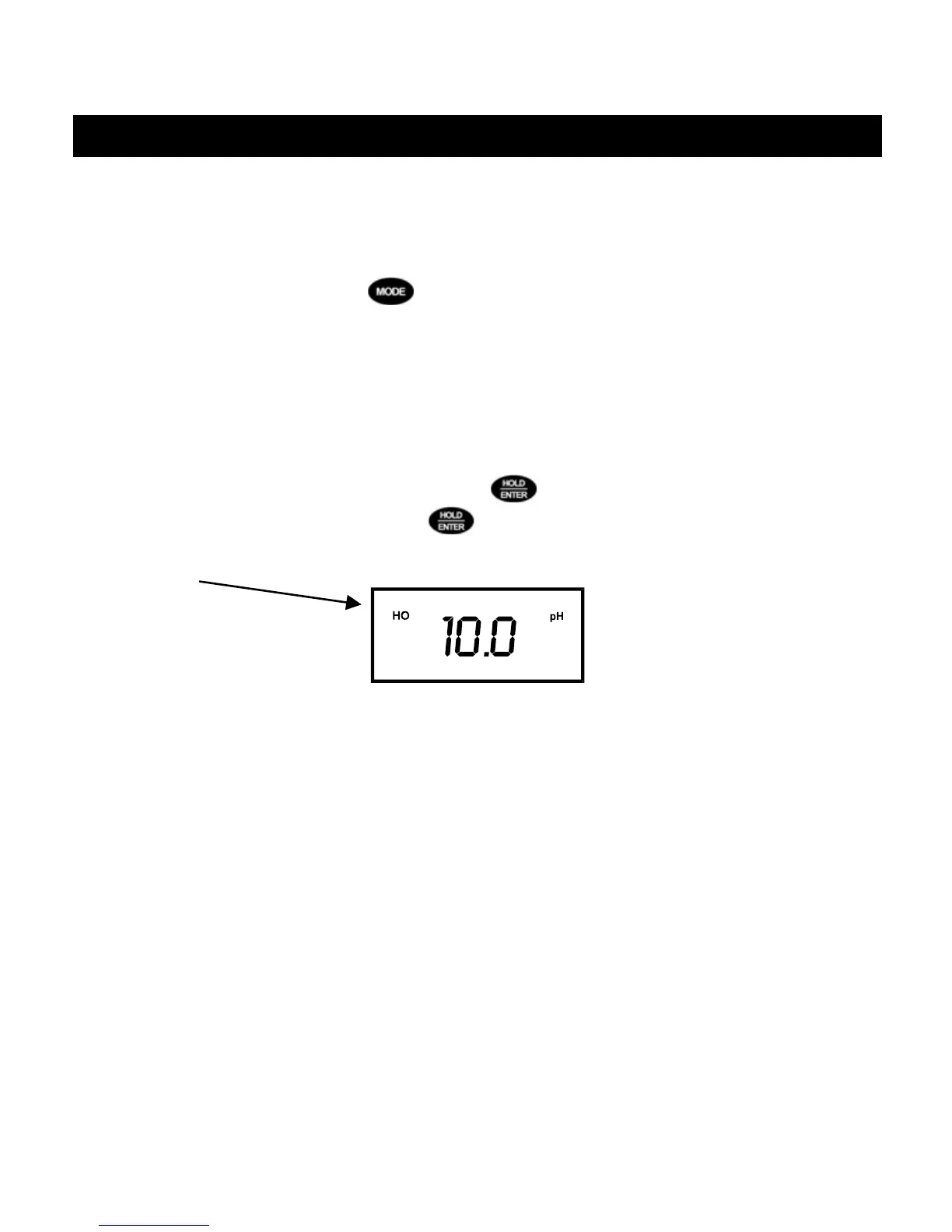
To freeze or hold a displayed reading, press . The “HO” annunciator indicates that
the HOLD function is activated. Press
again to deactivate the HOLD function. The
meter reverts to current measurement mode, and the “HO” annunciator will disappear.
15



 To Next Page