EasyManua.ls Logo

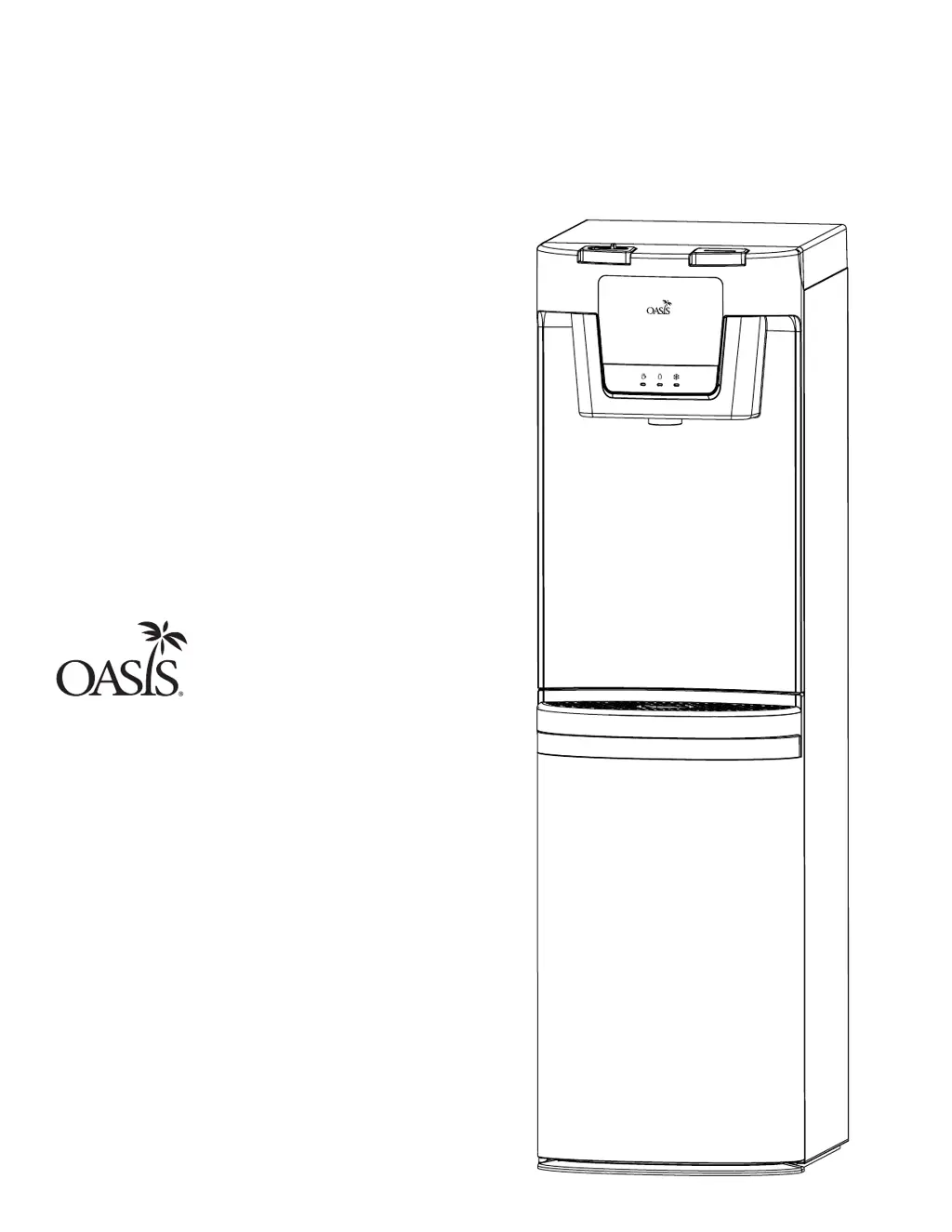
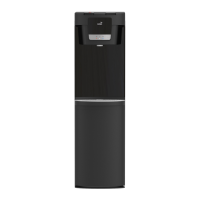
Oasis MAXXFILL FLEX - User Manual

Oasis MAXXFILL FLEX
16 pages
Print Icon
To Next Page IconTo Next Page
Loading...
User Guide
Please read this instruction manual before using your water dispenser.
CONVERTIBLE BOTTOM LOAD/POU
HOT AND COLD WATER DISPENSER
MODEL: BXM1SHS
By:
MAXXFILL FLEX

Questions and Answers

  • R
    Ryan DorseyAug 9, 2025
    Why is my Oasis MAXXFILL FLEX Water Dispenser not dispensing water?
    • C
      cookjulieAug 9, 2025
      If your Oasis Water Dispenser isn't dispensing water, several factors could be at play. First, ensure the dispenser is properly plugged into a grounded GFCI power outlet and that the main power supply is active. Check that the lower cabinet door is fully closed, allowing time for the pump to refill the reservoirs. Also, verify that your water bottle isn't empty and that it's correctly connected to the water bottle cap connector. If none of these steps work, remove the water bottle, unplug the dispenser, and contact your dealer.
  • J
    jonathanhendersonAug 12, 2025
    How to fix an Oasis Water Dispenser that is not dispensing hot water?
    • H
      Heather MartinAug 13, 2025
      If your Oasis Water Dispenser isn't dispensing hot water, first verify that the hot water switch is turned ON. If it is, you may have used too much hot water recently; allow approximately 15 minutes for the water to reheat. If the issue continues, turn off the water supply valve, unplug the dispenser, and contact your dealer.
  • M
    Matthew Perez PhDAug 17, 2025
    What to do if my Oasis MAXXFILL FLEX is not dispensing cold water?
    • M
      Michael Smith MDAug 17, 2025
      If cold water is not dispensing from your Oasis Water Dispenser, start by checking if the cooling system switch is turned ON. If it is on, it could be that too much cold water was recently used; wait about 15 minutes for the water to cool down again. Ensure that there's at least 6 inches of clearance around all sides of the dispenser for proper ventilation. If the problem persists, turn off the water supply valve, unplug the dispenser, and contact your dealer.
  • T
    theresa49Aug 21, 2025
    What to do if my Oasis MAXXFILL FLEX is leaking?
    • D
      Diana GloverAug 21, 2025
      If water is dripping from your Oasis Water Dispenser onto the floor, check the hot and cold tank drain caps to ensure they are properly tightened. If a drain cap's seal is damaged, replace it with a new one. If the dripping continues, it could indicate a leak in the hot or cold water tank, in that case turn off the water supply valve and unplug the dispenser, then contact your dealer.
  • B
    Bryce WheelerAug 26, 2025
    Why is my Oasis MAXXFILL FLEX Water Dispenser so noisy?
    • J
      John HarmonAug 26, 2025
      If your Oasis Water Dispenser is making excessive noise, ensure it is placed on a level, flat surface. Also, check that the dispenser isn't touching any other objects. If it is, move it away from surrounding items.
  • J
    Jennifer ChristensenAug 30, 2025
    Why is my Oasis MAXXFILL FLEX leaking from the dispensing point?
    • K
      Kathleen HarrisAug 30, 2025
      If your Oasis Water Dispenser is leaking from the dispense point, inspect the buttons for any obstructions. If the water dispense point is damaged, contact Oasis Customer Service at 1-800-646-2747.
  • M
    Monica PerezSep 3, 2025
    Why does the water from my Oasis Water Dispenser taste strange?
    • S
      Steven ButlerSep 3, 2025
      If the water from your Oasis Water Dispenser tastes strange, this is not uncommon with new dispensers and the taste usually disappears after you've used several gallons of water. If the taste persists, consider cleaning the waterways of your dispenser.

Overview

This document is a user guide for the MAXXFILL FLEX Convertible Bottom Load/POU Hot and Cold Water Dispenser, manufactured by Oasis International.

Function Description:

The Oasis MAXXFILL FLEX is a versatile water dispenser designed to provide both hot and cold water. Its key feature is its convertibility, allowing it to function either as a traditional bottom-load bottled water dispenser or as a point-of-use (POU) dispenser connected directly to a water line. This design eliminates the need to lift heavy water bottles, reduces spills during installation, and avoids the unsightly appearance of bruised or battered recycled water bottles. The dispenser uses a pump system to draw water from an upright bottle in the lower cabinet or from a direct water line connection. It is equipped with a cooling system for cold water and a heating system for hot water, with separate switches to control each function for energy conservation.

Important Technical Specifications:

  • Rated Voltage: 115V - 60Hz
  • Heating Power: 460W
  • Cooling Power/Current: 95W/1.5A
  • Coolant: R134a 43g
  • Hot Water/Hr: 0.9 GAL (3.5 L)
  • Cold Water/Hr: 1.7 GAL (6.5 L)
  • Hot Water Temp. Range: 165°F - 194°F

Usage Features:

  • Convertible Operation: Can be used with up to 5-gallon (19-liter) water bottles (bottom-load) or connected directly to a water line (POU).
  • Bottom-Load System: Water bottles are placed upright in the lower cabinet, and a pump draws water to the dispenser, eliminating heavy lifting and spills.
  • Siphon Tube Adjustment: The water bottle cap and siphon tube assembly can be adjusted to accommodate different bottle depths.
  • POU Connection: Features a water inlet bulkhead at the back for connecting a 1/4" water source tubing, allowing for a bottle-less setup.
  • Filtration Option: The cooler has the option to be fitted with various filtration systems (not included), which can be installed inside the cabinet behind the door.
  • Indicator Lights: Three indicator lights on the front panel show the status of the dispenser:
    • Chilling water in the cold tank is complete.
    • Water bottle is empty and needs replacement.
    • Heating water is complete and ready to dispense.
  • Hot Water Safety Lock: A red safety lock must be slid to the left before pressing the hot water dispense button, preventing accidental hot water dispensing.
  • Separate Dispense Buttons: Dedicated buttons for hot and cold water dispensing.
  • Energy Conservation: Separate switches for the cooling system (green) and hot water system (red) on the back of the dispenser allow users to turn off functions not in use to save energy.
  • Night Light: The unit includes a night light for convenience.
  • Initial Setup Time: Requires approximately 1 hour for cold water and 15 minutes for hot water to reach desired temperatures upon first use.
  • FCC Compliance: The device complies with Part 15 of the FCC Rules, ensuring it does not cause harmful interference and accepts received interference.

Maintenance Features:

  • Regular Cleaning: Recommended every 6 months to maintain efficiency, performance, and a hygienic environment.
  • Outside Cleaning: Can be wiped clean with a cleaning solution or mild soap and water mixture and a soft cloth.
  • Drip Tray Cleaning: The drip tray is removable for easy draining and cleaning to remove spotting and mineral deposits.
  • Condenser Cleaning: Dust can be vacuumed or swept from the condenser coils to improve cooling and efficiency.
  • Waterways Cleaning: A detailed procedure involves mixing white vinegar and hot water, inserting the siphon tube into the cleaning solution, allowing the pump to draw it into the reservoirs, dispensing some solution, letting it sit, draining the reservoirs, and then flushing with fresh hot water.
  • Draining Reservoirs: Instructions are provided for safely draining both the hot and cold water tanks, including turning off the hot tank switch, dispensing hot water until it cools, removing the water bottle, pressing dispense buttons until no water comes out, and unscrewing drain caps at the back of the unit.
  • Troubleshooting Guide: Comprehensive tables for both bottled and bottle-less modes, listing common problems, possible causes, and suggested solutions (e.g., checking power, water supply, connections, cleaning, or contacting customer service).
  • Grounding Instructions: Emphasizes the importance of connecting the dispenser to a ground fault circuit interrupter (GFCI) outlet and proper grounding to prevent electric shock.
  • No Extension Cords: Users are advised against using extension cords due to overheating risks.
  • Unplug Before Servicing: Always unplug the dispenser before any servicing or cleaning.

Oasis MAXXFILL FLEX Specifications

General IconGeneral
BrandOasis
ModelMAXXFILL FLEX
CategoryWater Dispenser
LanguageEnglish

Related product manuals