EasyManua.ls Logo

Oberheim Matrix-1000 - Special Modes: Units and Group Mode

Oberheim Matrix-1000
64 pages
Print Icon
To Next Page IconTo Next Page
To Previous Page IconTo Previous Page
Loading...
Chapter4:
ADVANCED Matr/x-1000 OPERATION
SPECIAL
MODES
UNITS
Units controls group mode,
an
exciting
new
feature that
lets
vou
play
several
Matrix-1
OOO's
together
as
if
they
were
one
self-contained instru-
ment.
Two
Matrix-1
OOOs
in group mode
become
a single 12-voice
synthesizer. Three
Matrix-1
OOOs
become
an
18-voice synthesizer.
Group mode supports
as
many
as
six Matrix-1000s, for
up
to
36-voice
polyphony.
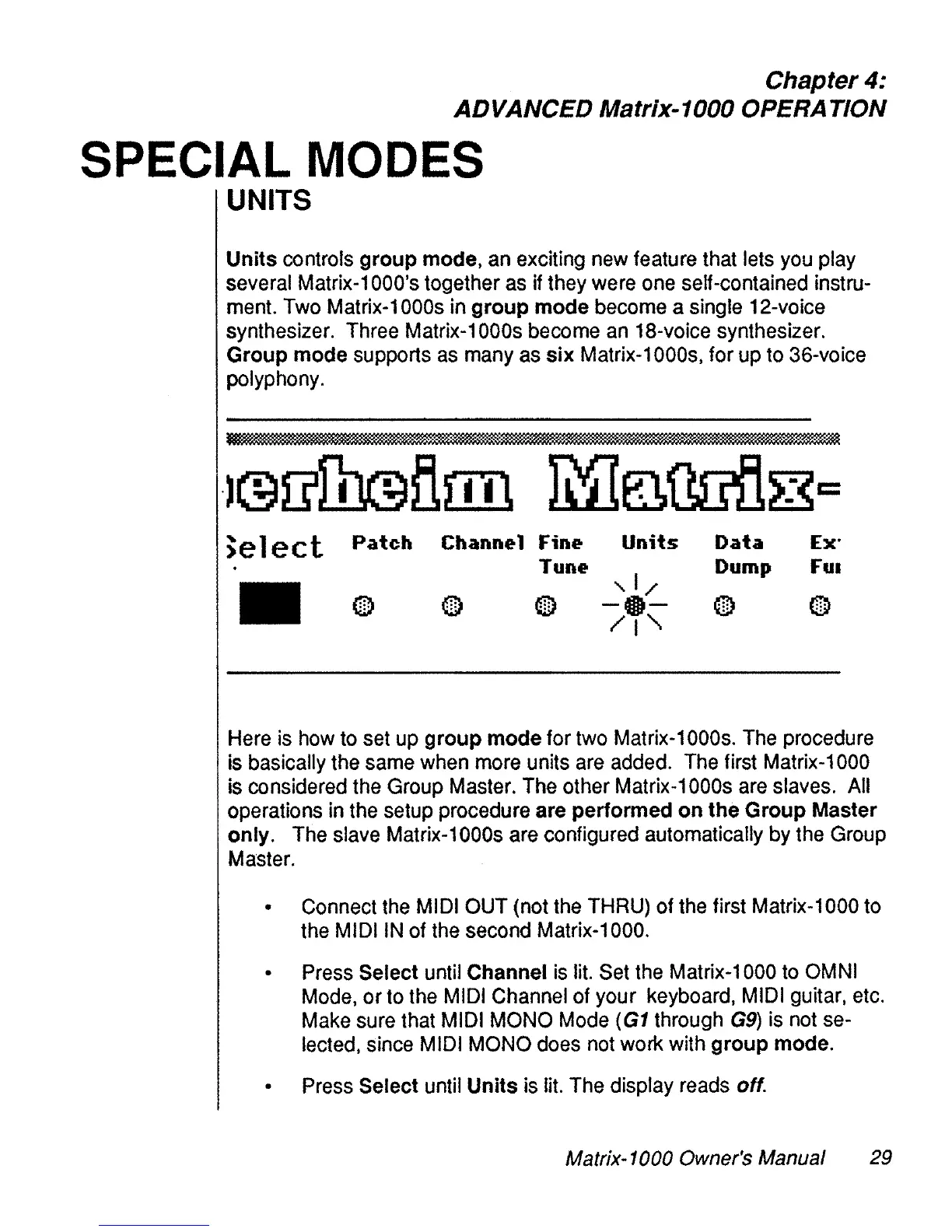
>elect
Patch
Channel
Fine
Units
Data
Ex'
Tune
Dump
FUI
,1/
0
(TI)
(TI)
-G-
O
0
.:.
.:.
.:.
:.
/1"-
Here
is
how
to
set
up
group mode for
two
Matrix-1000s.
The
procedure
is
basically
the
same
when
more
units
are
added.
The
first Matrix-1000
is
considered
the
Group
Master.
The
other
Matrix-1
OOOs
are
slaves.
Ali
operations
in
the
setup procedure are performed on the Group Master
only.
The
slave
Matrix-1000s
are
configured automatically
by
the
Group
Master.
Connect
the
MIDI
OUT
(not
the
THRU)
of
the
first Matrix-1000 to
the
MIDI
IN
of
the
second Matrix-1000.
Press
Select until Channel
is
lit.
Set
the
Matrix-1000
to
OMNI
Mode,
or
to
the
MIDI
Channel of your keyboard,
MIDI
guitar,
etc.
Make
sure
that
MIDI
MONO
Mode
(G1
through
G9)
ls
not
se-
lected,
since
MIDI
MONO
does
not
work with group mode.
Press
Select until Units
is
lit.
The
display
reads
off.
Matrix-1000 Owner's Manual 29