IF
YOU'RE
IN
A
HURRY
••••
Matrix-1000
Quick-Start
Procedure
1. INITIAL SET
UP
-
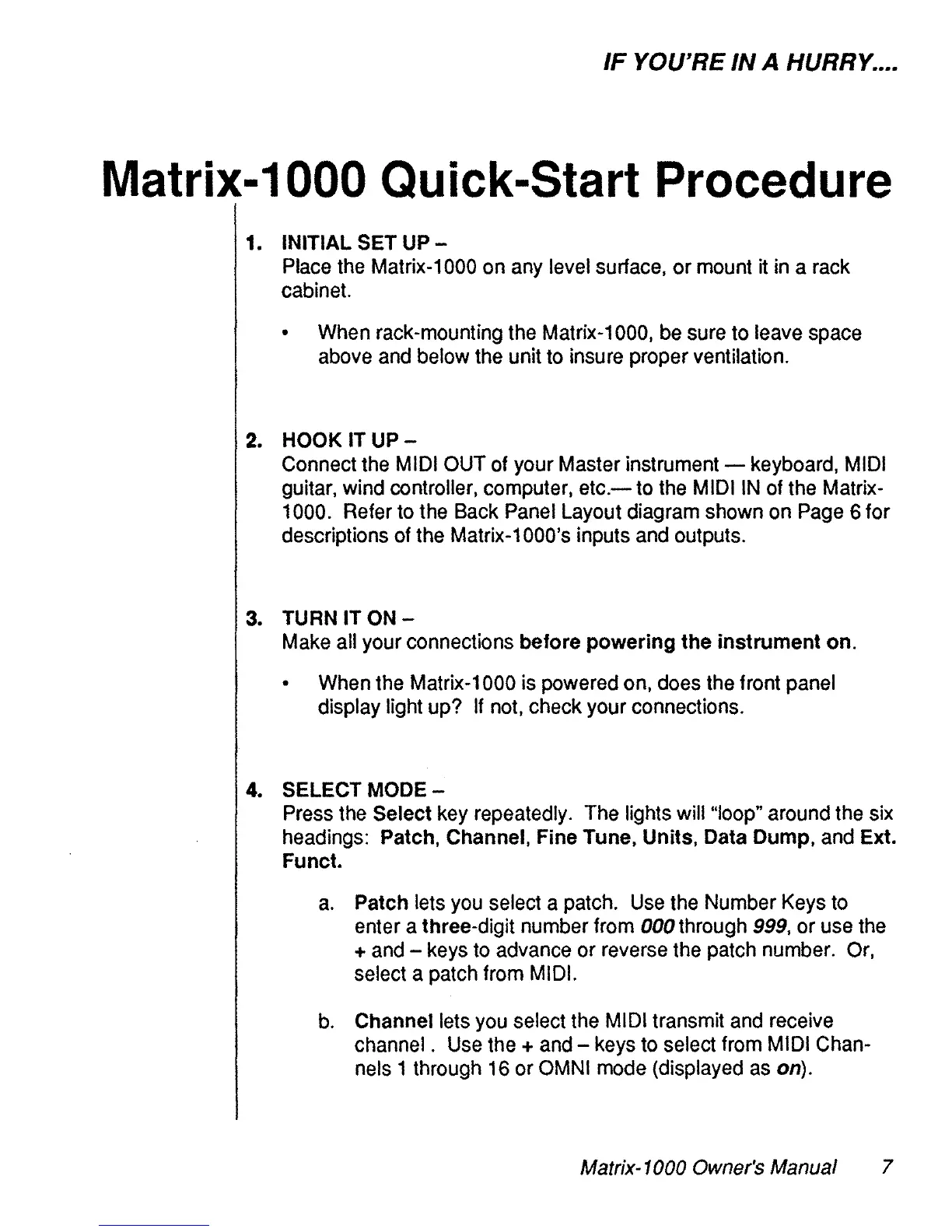
Place
the
Matrix-1000 on
any
level surface, or mount it
in
a
rack
cabinet.
•
When
rack-mounting the Matrix-1000,
be
sure to leave space
above
and
below
the
unit
to
insure proper ventilation.
2. HOOK IT
UP
-
Connect
the
MIDI
OUT
of your Master instrument keyboard,
MIDI
guitar, wind controller, computer,
etc.-
to
the
MIDI
IN
of the Matrix-
1000. Refer
to
the
Back
Panel
Layout diagram shown
on
Page
6 for
descriptions of the Matrix-1000's inputs
and
outputs.
3.
TURN
IT
ON
-
Make
ail your connections before powering the instrument on.
•
When
the Matrix-1000 is powered on,
do
es
the front panel
display Iight up?
If
not,
check your connections.
4. SELECT
MODE
-
Press
the
Select
key
repeatedly. The lights wïll"loop" around the
six
headings: Patch, Channel, Fine Tune, Units, Data Dump,
and
Ext.
Fu
net.
a.
Patch lets
you
select a patch.
Use
the
Number
Keys
to
enter a three-digit number from 000 through
999,
or use
the
+
and
-
keys
to
advance or reverse the patch number.
Or,
select a patch from
MIDI.
b.
Channel lets
you
select the
MIDI
transmit
and
receive
channel.
Use
the +
and
-
keys
to
select
from
MIDI
Chan-
nels
1 through
16
or
OMNI
mode
(displayed
as
on).
Matrix-1000 Owner's Manual 7


 To Next Page