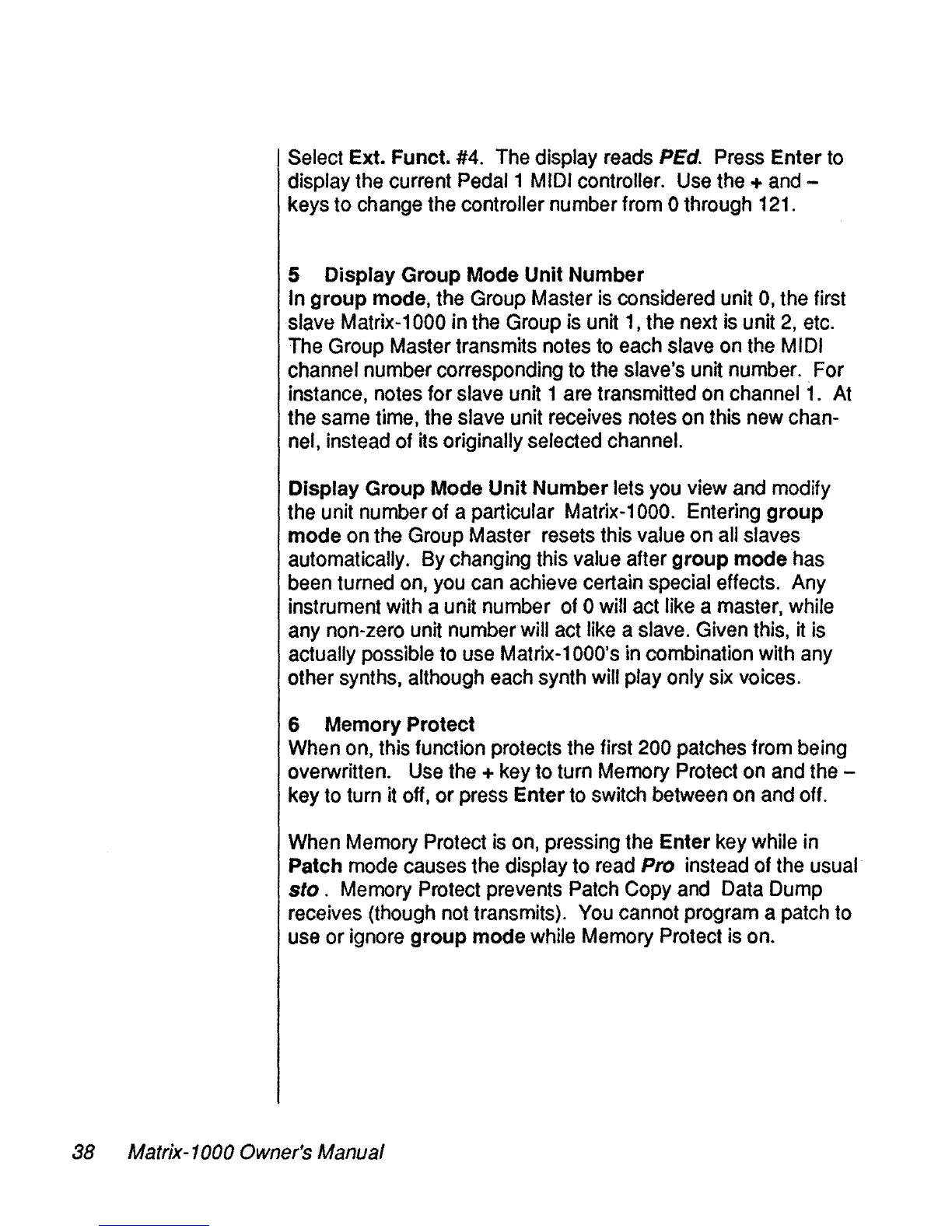
Select Ext. Funct.
#4.
The
display
reads
PEd.
Press
Enter
to
display
the
current Pedal1
MIDI
controller.
Use
the
+
and
-
keys to
change
the
controller number from 0 through
121.
5 Display Group Mode Unit Number
ln group mode,
the
Group
Master
ls
considered unit
0,
the
first
slave Matrix-1000 in
the
Group
is
unit
1,
the
next
is
unit
2,
etc.
The
Group
Master transmits
notes
to
each
slave
on
the
MIDI
channel number corresponding
to
the
slave's unit number..For
instance,
notes
for slave
unit
1
are
transmitted
on
channel
1.
At
the
same
time,
the
slave unit
receives
notes
on
this
new
chan-
nel,
instead of
its
originally selected channel.
Display Group Mode Unit Number lets
Vou
view
and
modify
the
unit numberof a particular Matrix-1000. Entering group
mode
on
the
Group
Master
resets
this value on
ail
slaves
automatically.
By
changing this
value
after group mode
has
been
turned
on,
Vou
can
achieve
certain special effects.
Any
instrument
with
a unit number
of
0
will
act
Iike
a
master,
while
any
non-zero
unit
number will
act
Iike
a
slave.
Given
this,
it
is
actually possible to
use
Matrix-1000's
in
combination with
any
other
synths,
although
each
synth
will
play only
six
volces.
6 Memory Protect
When
on,
this
funetion
protects
the
first
200
patehes
from being
overwritten.
Use
the
+
key
to turn
Memory
Proteet
on
and
the
-
key
to
turn
it
off,
or press Enter
to
switch
between
on
and
off.
When
Memory
Protect
is
on,
pressing
the
Enter
key
while
in
Patch
mode
causes
the
display to
read
Pro instead
of
the
usual
sto .
Memory
Protect
prevents
Pateh
Copy
and
Data
Dump
reeeives
(though
not
transmits).
Vou
cannot program a
patch
to
use
or
ignore
group mode
while
Memory
Proteet
is
on.
38
Matrix-1000 Owner's Manual


 To Next Page