EasyManua.ls Logo

Oberheim Matrix-1000 - Re-Initialization Procedure

Oberheim Matrix-1000
64 pages
Print Icon
To Next Page IconTo Next Page
To Previous Page IconTo Previous Page
Loading...
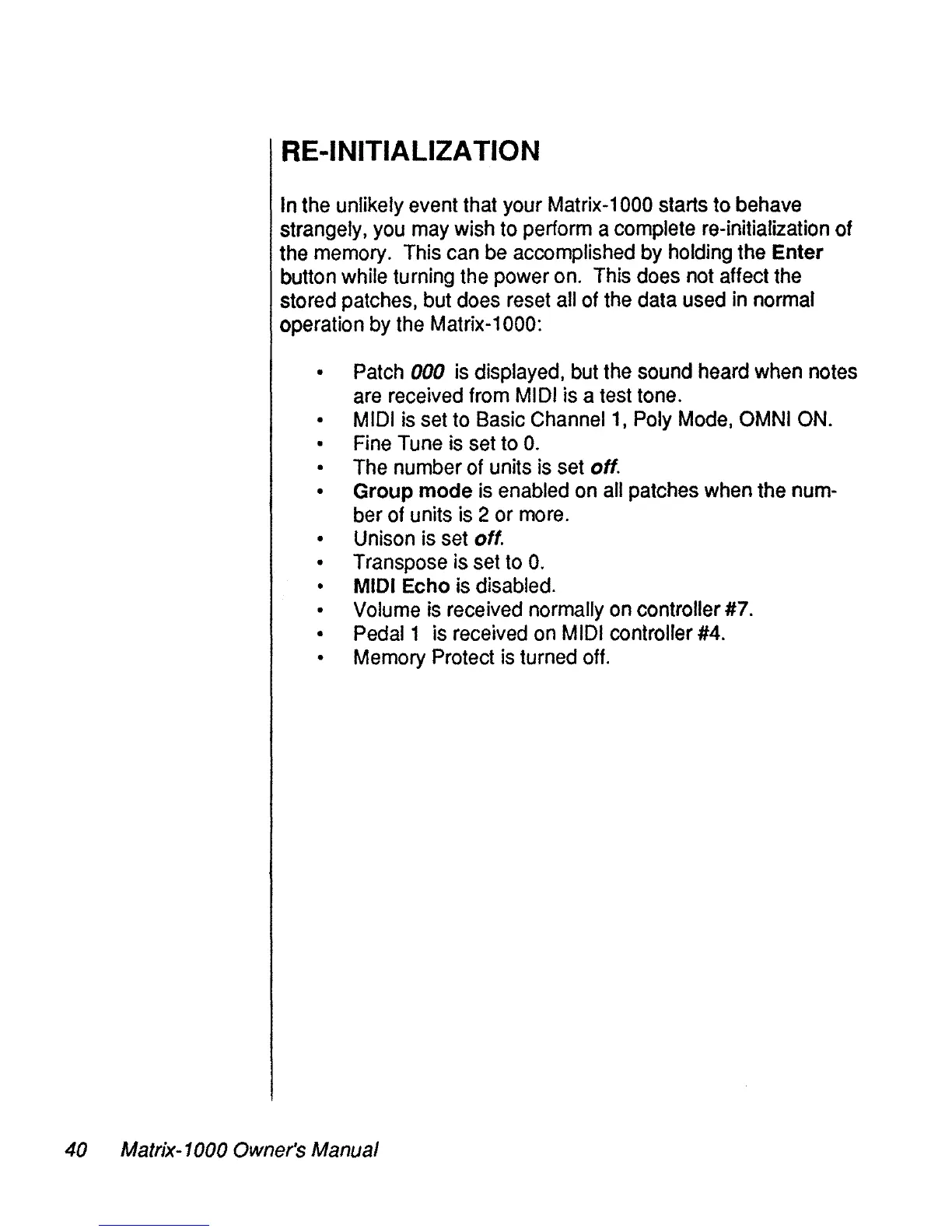
RE-INITIALIZATION
ln
the
unlikely event that your
Matrix-1
000
starts to
behave
strangely.
you
may
wish
to perform a complete re-initialization of
the
memory.
This
can
be
accomplished
by
holding
the
Enter
button while turning
the
power
on.
This
do
es
not
affect
the
stored
patches,
but
do
es
reset
ail
of
the
data
used
in
normal
operation
by
the
Matrix-1000:
Patch
000
is
displayed,
but
the
sound
heard
when
notes
are
received
from
MIDI
is a
test
tone.
MIDI
is
set
to
Basic
Channel
1,
Poly
Mode,
OMNI
ON.
Fine
Tune
is
set
to
O.
The
number of units
is
set
off.
Group mode
is
enabled
on
ail
patches
when
the
num-
ber
of
units
is
2 or
more.
Unison
is
set
off.
Transpose
is
set
to
O.
MIDI
Echo
is
disabled.
Volume
is
received normally
on
controller
#7.
Pedal1
is
received
on
MIDI
controller
#4.
Memory
Protect
is
turned
off.
40 Matrix-1000 Owner's Manual