43
About Tiny 2 Lite
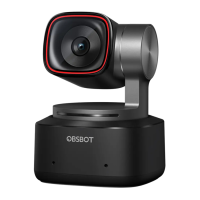
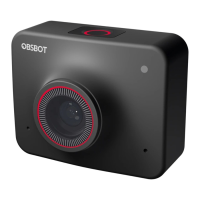
OBSBOT Tiny 2 Lite is an AI-powered PTZ webcam equipped with a two-axis gimbal.
It supports a variety of intelligent shooting modes and is supplemented by a variety
of gesture control function to meet users’ needs from different scenarios.
OBSBOT Tiny 2 Lite is connected to the computer via USB, plug and play. It also
comes with OBSBOT Center software to expand more advanced functions.
⚠ System Requirements
Windows 10 (64-bit) or later
macOS 11.0 or later
⚠ Recommended for 1080p 60fps and 4K
Recommended Apple computers:
① MacBook Pro (2018, 8th Gen Intel® Core™ i5 Processors or later)
② MacBook Air (2018, 8th Gen Intel® Core™ i5 Processors or later)
③ iMac Retina (2019, 8th Gen Intel® Core™ i5 Processors or later)
Recommended PC configuration:
① CPU: 7th Gen Intel® Core™ i5 Processors or later
② RAM: 8GB
OBSBOT Tiny 2 Lite Overview
Placement Instructions
1. Placement on a Monitor
Please operate as shown in the following figure:
① Open the built-in stand at the bottom of Tiny 2 Lite.
② Place Tiny 2 Lite on the monitor.
③ Adjust the angle of the stand to make the base as parallel as possible to the
horizontal plane.
Setting Up Tiny 2 Lite
Parts Info
01. 4K Ultra HD lens
02. Camera Indicator
03. Dual Microphones
04. USB-C Port
05. UNC 1/4-20 Interface



 To Next Page