Upside Down Mode
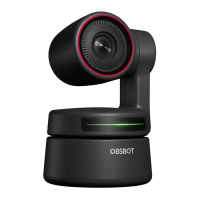
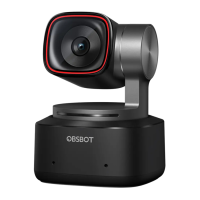
OBSBOT Tiny 4K supports using with upside down mode. It can be mounted upside down,
then the screen will rotate automatically for use.
⚠ If the product is in working condition for a long time, the bottom of the product will get
hot, which is normal.
⚠ Connecting Suggestions: ① USB 3.0 Port (Recommendation); ② USB 2.0 Port + DC Port.
⚠ 4K streaming requires compatible third-party software.
Gimbal
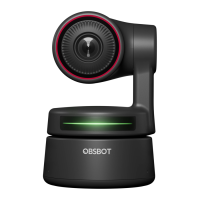
OBSBOT Tiny 4K is equipped with a 2-axis gimbal. The controllable rotation range for the
pan is ±150°, and for the tilt is ±45°.
Privacy Mode
Point the lens straight down. When the indicator light is off, it means that the privacy mode
is turned on.
⚠ The product cuts off both the video and audio in the privacy mode.
5
EN


 To Next Page