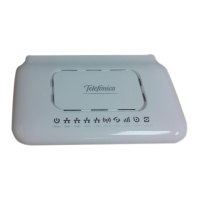
Step 1 Connect the CAT5e Ethernet cable which is already connected to the SQO14 to the
QCI4NU’sRJ‐45PoEport.
CAUTION
Do not connect a computer or a switch directly to the QCI4NU’s PoE port due to the high PoE
power.
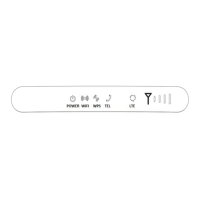
Step 2 Connect the supplied power adapter to the QCI4NU. The POWER LED shines a steady
greenonceconnected.
Step 3 Connect the included Ethernet cable from the computer to one of the QCI4NU’s
ETHERNETports.
Step4ConnectananalogphonetothePHONEporttouseVoIP .ThePHONELTEsho
uldlighton.
5.6 MounttheSQO14
SeetheinstallationinstructionstomounttheSQO14correctly.
5.6.1 Polemounting
Pole diameter type: The mounting pole diameter is Φ25 and Φ45MM;
If the pole diameter is less thanΦ30, you need to add a C-type ring to make sure the device can be
mounted on the pole.
The specific mountingsteps are as follows:
1. Using a screwdriver to loosen the metal hose clamps,through the terminal equipment mounting
hole, the metal hose clamps and the pole is fixed;


 To Next Page
 Loading...