48
616 02 1019 00
A14522
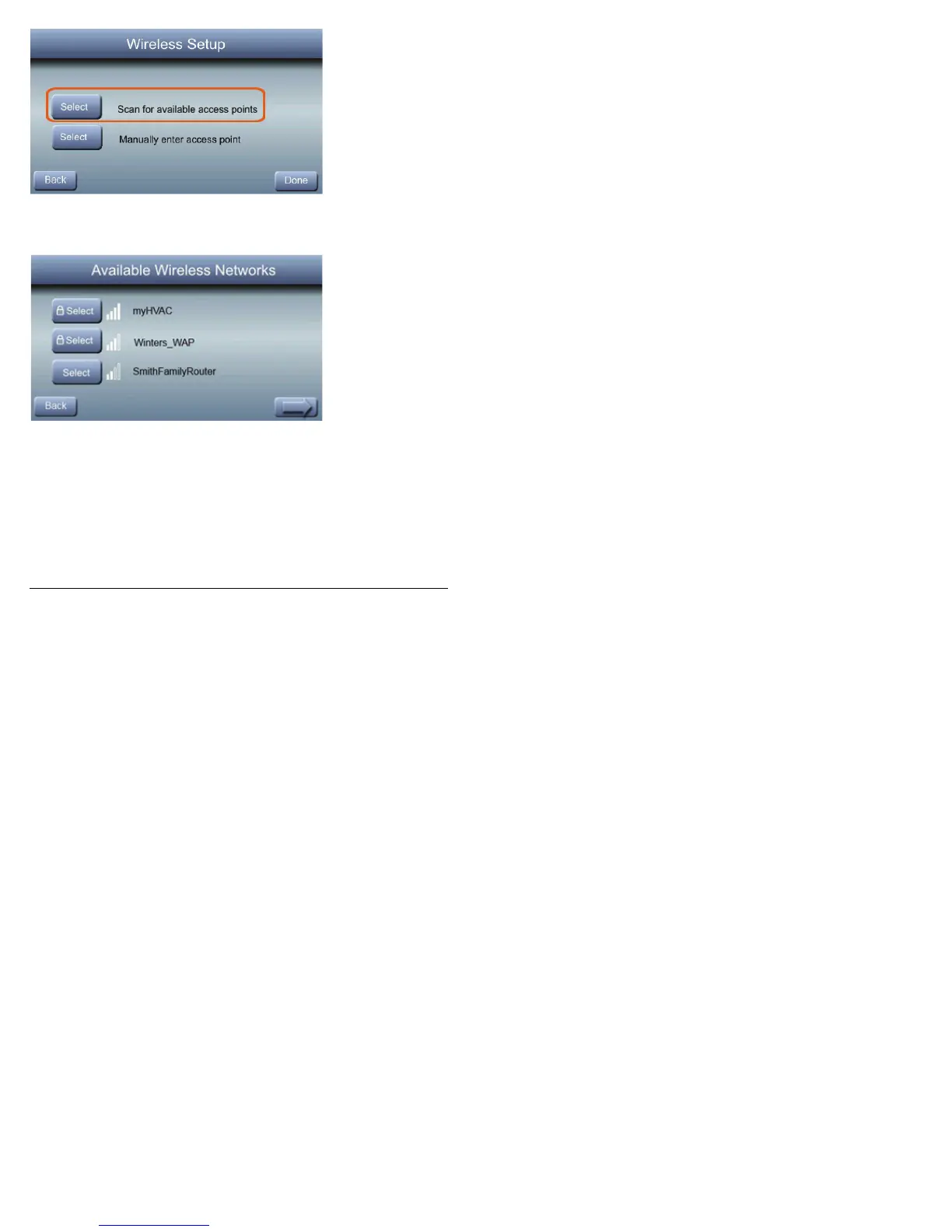
S Next, touch Scan for available access points.
A14523
S On the next screen look for the desired SSID of the
router/access point. Press the arrow at the bottom
righttoseethreemoreSSIDs.
S Press the Select button for the desired SSID. Then
press the arrow in the bottom right.



 To Next Page