49
61602101900
A14524
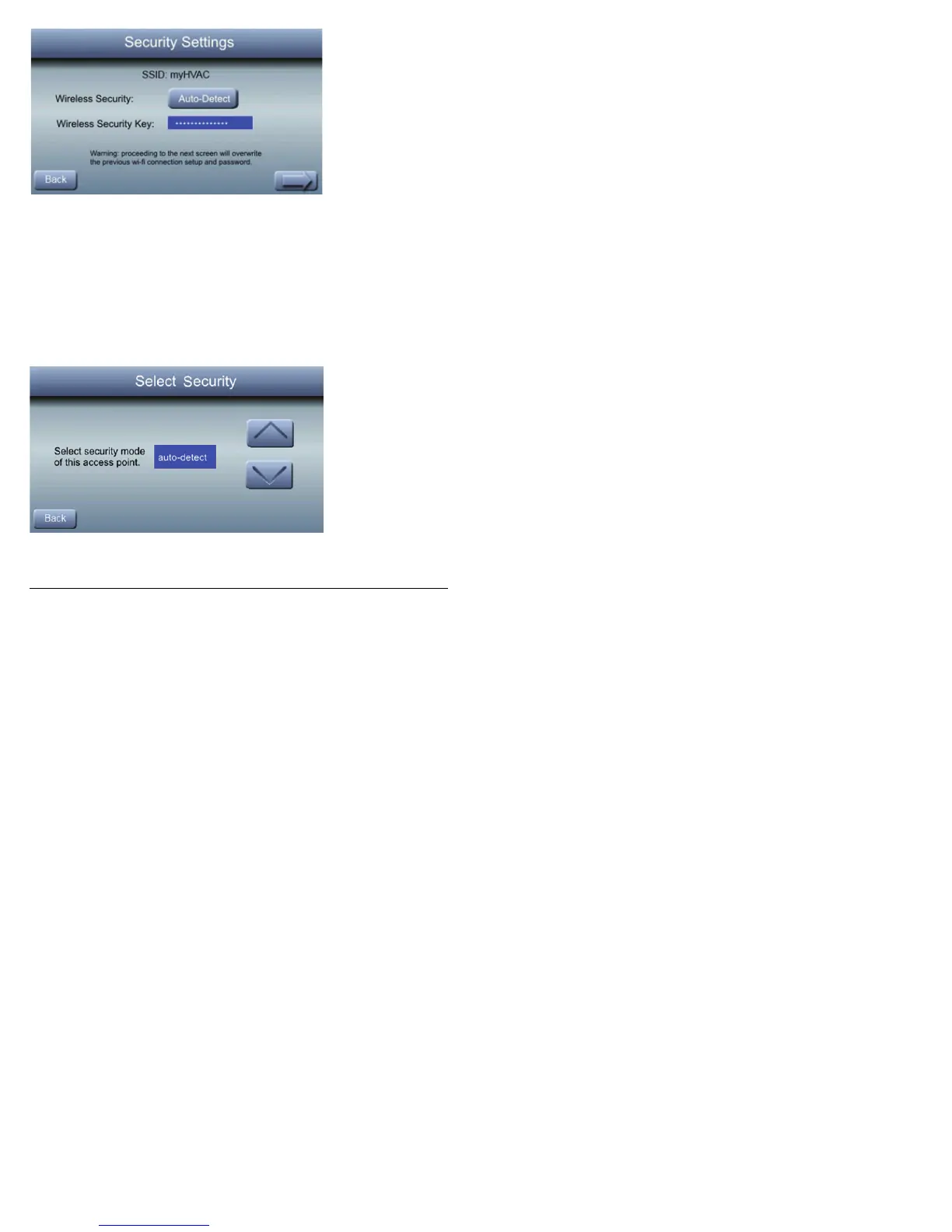
S The security settings, if any, for the selected network
will be displayed. Usually auto-detect will correctly
identify the mode of security used. A secured net-
work will prompt for the Wi-Fi
®
security key.
S If the incorrect security mode appears on the Auto
Detect button, press the Auto-Detect button and the
Select Security selection screen will appear.
A14525
S Select the proper security mode.



 To Next Page