Internal IO Configuration
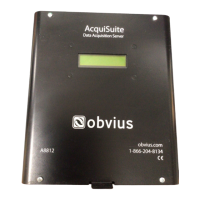
The A8812 AcquiSuite provides 8 multipurpose flex inputs on board. The onboard io inputs will always be device 250 in
the device list.
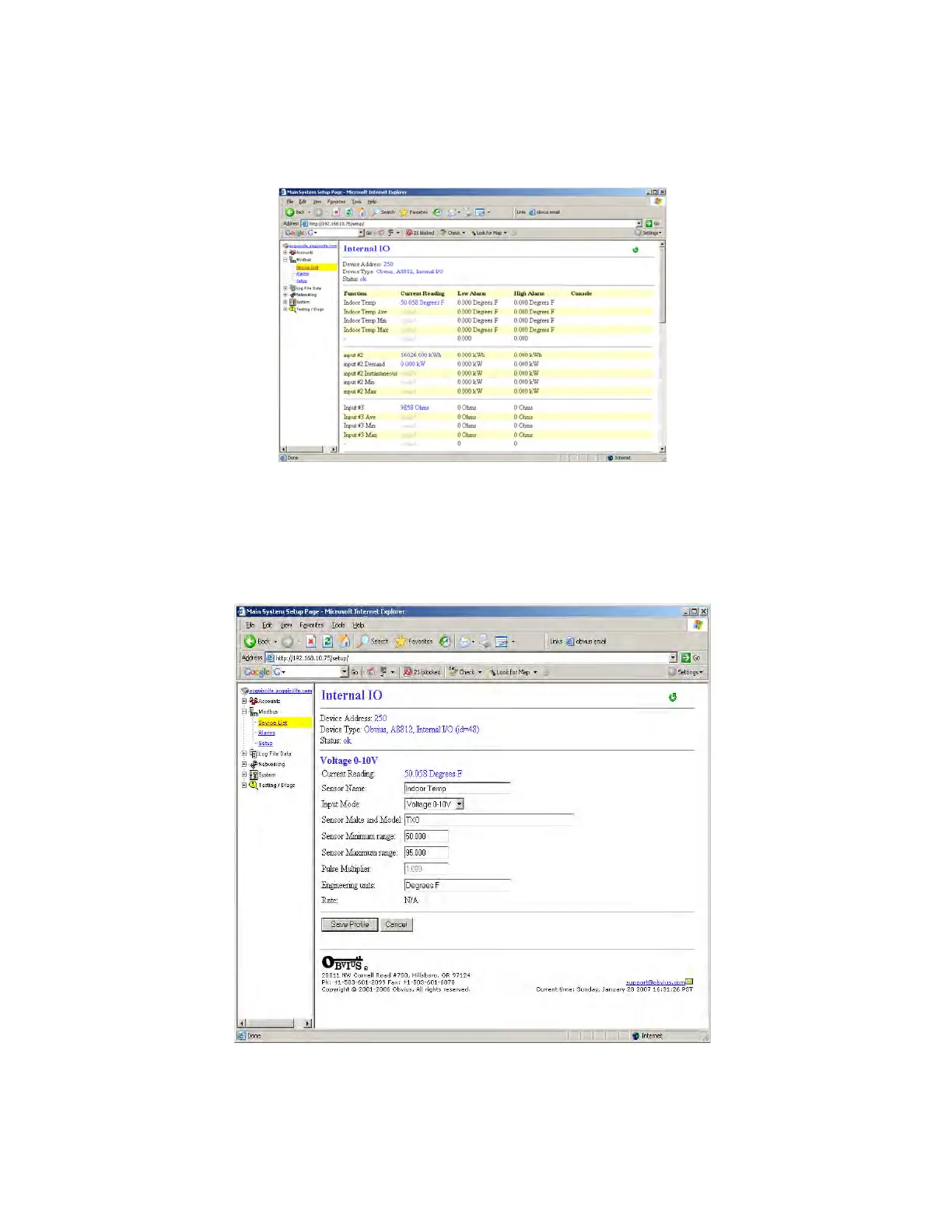
1. Click on the device number 250 in the device list. A page showing the device inputs will be presented. Each input has 5
lines on this page. Analog inputs have one line each for an instantaneous, min, max and average value. Pulse inputs
have a line for the accumulated value, rate, runtime and status.
2. Click the Configure button at the bottom of the page. The page will be displayed again, however the device name and
alarm level fields will allow editing.
Type in a name for the device in the space provided at the top of the page. The name should describe the purpose or
location of the IO module. For device 250, you may want to use the name “Internal IO”
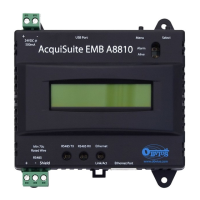
3. For each input that you wish to use, click the “Config Point” button to the right of the input.
4. The input configuration requires several options. The input mode will control how the input functions. This includes
measuring voltage, current, resistance, pulse, or runtime. Use the dropdown menu to select the mode that is appropriate
for your sensor. The input configuration must be completed for each input that is in use.
Page 18 A8812 AcquiSuite – Data Acquisition Server
Shop for Power Metering products online at:
1.800.561.8187
www.PowerMeterStore.ca


 To Next Page