3
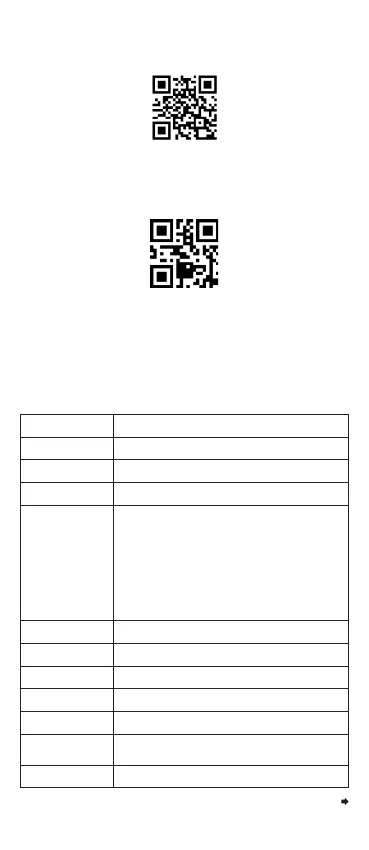
Note: Scan this barcode, scanner will make a beep
and power off. Or long press the scanner button and
hold for 15 seconds to power off.
Technical Parameter
Date Item Parameter
Barcode Scanner
Type of Light Source
617 nm LED white
Decoding Ability
1D: Code 128, EAN-13, ISBN, ISNN, EAN-8,
EAN-128, UPC-A, UPC-E, UCC, Code 32,
Code 93, Code 39, Code 39 Full ASCII,
Codebar, Interleaved 2 of 5, Industrial 2 of 5,
Standard 2 of 5, IATA 2 of 5, Matrix 2 of 5,
MSI Plessy, ITF-14;
2D: QR Code, Micro QR Code, PDF-417,
MicroPDF417, DataMatrix, Aztec Code,
DM Code, Gs1, Gs1 QR Code
Decoding Accuracy
≥4mil
Scanning Principle
CMOS
Resolution
640x480px
Bit Error Rate
Data Saving Mode
Automatic Storage Mode (default) / Instant Upload
Mode (Normal Mode) / Inventory Storage Mode
The Distance Between
The Scan And The Barcode
Scan Mode
Manual Scan / Continuous Scan / Auto-sensing
25mm-150mm (13mil 90%PCS)
1/5 million
Continue the table below
Factory Default
Storage Ability
512, 000 Bytes
Power Off



 To Next Page