162
7.SCANNING THE IMAGES
4.SCAN TO E-MAIL (Cont.)
7
6
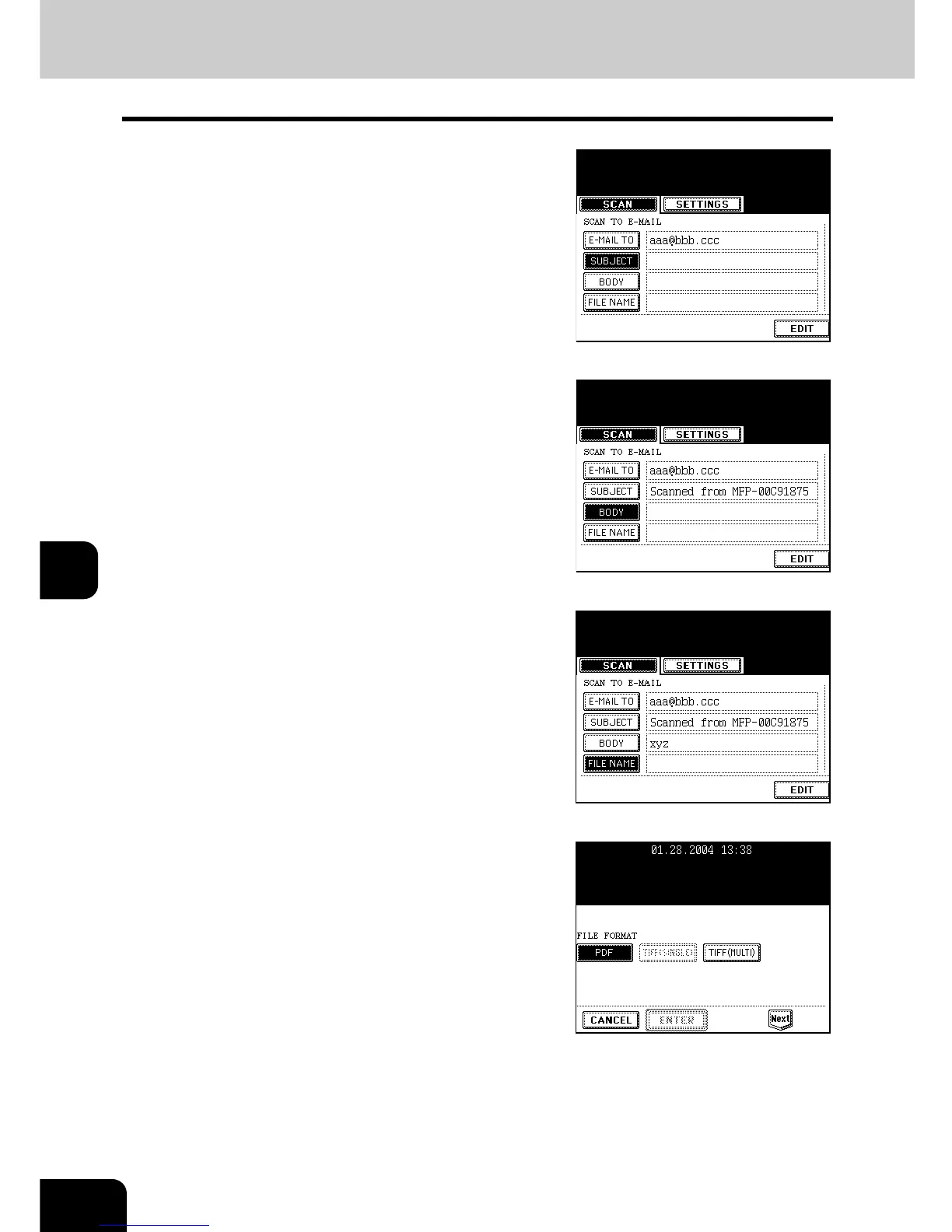
Press the [SUBJECT] button and enter the
subject of the E-mail.
- A subject can contain up to 128 letters.
"Setting Letters" Page 30
7
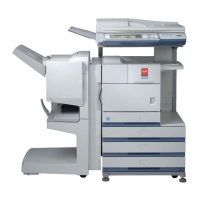
Press the [BODY] button and enter the
text body, etc.
- A body can contain up to 1,000 letters.
8
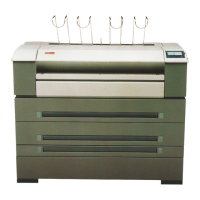
Press the [FILE NAME] button and name
the scanned data.
- A file name can contain up to 45 letters.
"Setting Letters" Page 30
9
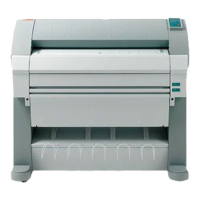
Select the file format.


 To Next Page