Enter encryption code of the Wi-Fi router
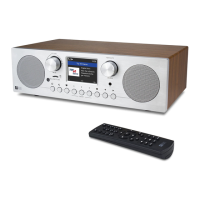
Using remote control
When you want to enter the letters, numbers or symbols for the encryption code, using remote
control would be easy to complete the job.
Here is the definition of each key and press the same button to cycling through different letters
/ symbol available
After each entry, press the right key to input the next. When it is done, press Enter to confirm.
Key 1: 1 and different kind of symbols !@#$%^&*()_+[]{};:'”\|,./<>?
Key 2: 2ABCabc
Key 3: 3DEFdef
Key 4: 4GHIghi
Key 5: 5JKLjkl
Key 6: 6MNOmno
Key 7: 7PQRSpqrs
Key 8: 8TUVtuv
Key 9: 9WXYZwxyz
Key 0: 0
Using buttons on the radio
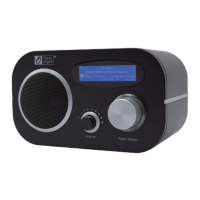
Use the Dial control to scroll through the letters or symbols, press right key to input the next
entry. Press the Dial knob when it is done.
3













 To Next Page