Getting started
Connect the mains adaptor to the radio unit, one end to the DC IN
on the radio and the other end to the mains wall outlet.
Caution: Use only the mains adaptor supplied with the radio.
Connecting a power supply with a different rating will cause
permanent damage to the radio and may be hazardous.
The radio is an adaptor and does not have internal speaker.
Prepare a powered speaker which has the 3.5mm pin in plug in to
the 3.5mm line out jack on the radio.
The radio supports also the optical connection. If you have a
system comes with optical input, connect to the optical out on the
radio to listen.
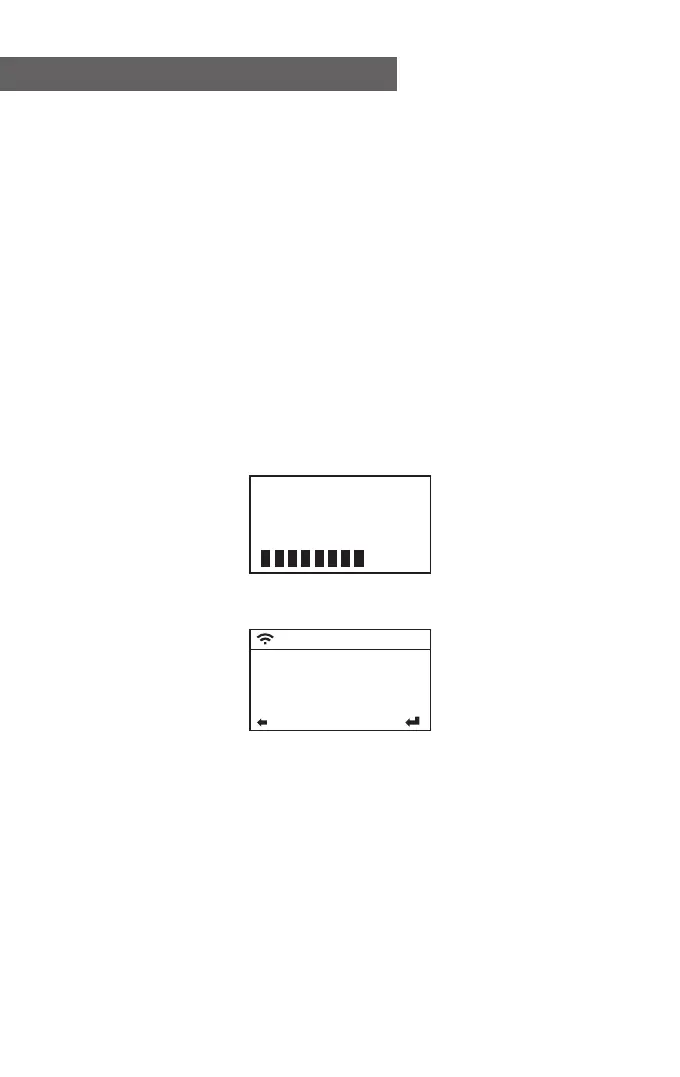
Switch the radio on using the Power on/off switch at the rear side
of the radio. The display on the front of the radio will light up and
show:
Then you can select your prefer language on the radio.
It will ask you if you want to Enable the <Check Network when
Power on>, it is suggested to choose <Yes>. Then the radio will
always check the available WiFi network automatically.
- 05 -
• English
Deutsch
Español
Français
1/17
01:44
Welcome













 To Next Page