7
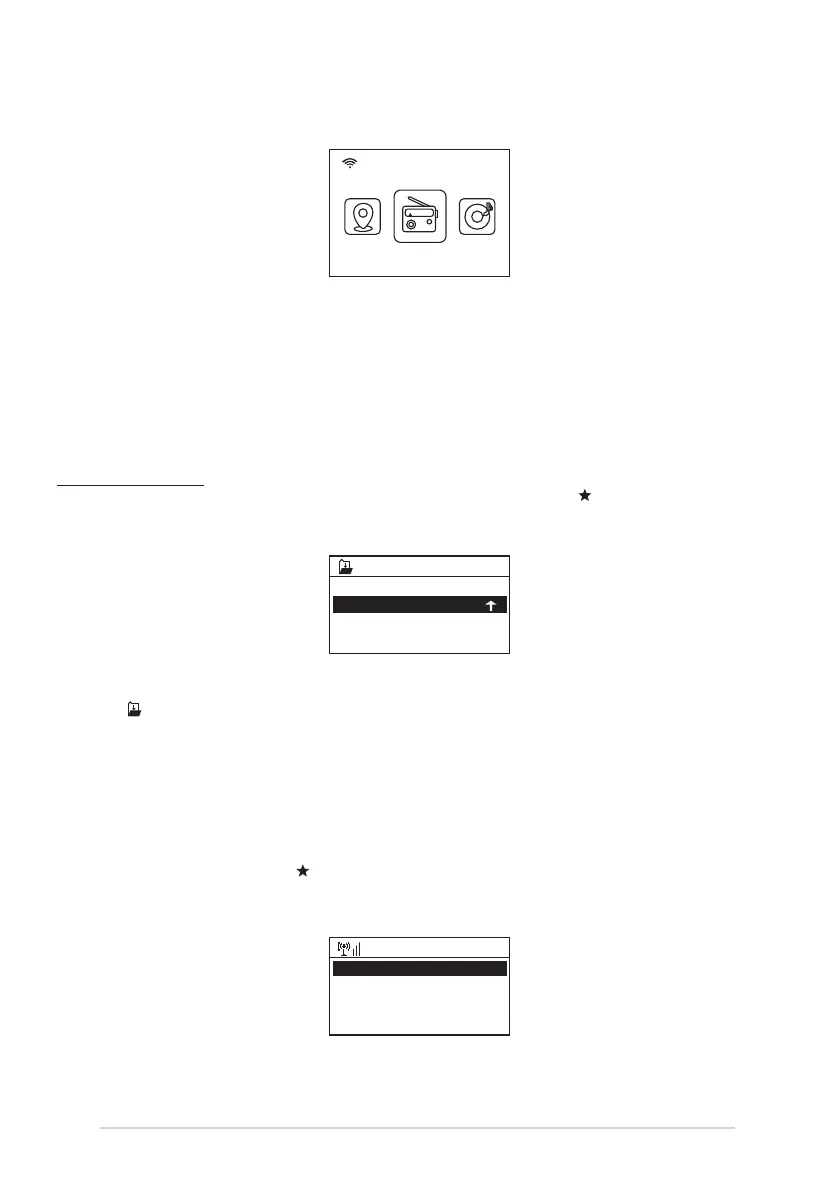
After the router is connected successfully, it will show “Network OK” and display the menu
screen:
You can now start enjoying the internet radio.
Internet Radio
Choose 'Internet Radio' from the menu, you can see different functions as below:
To start listen the worldwide radio stations, select “Radio Station/Music”,
My Favorite
This is to show the list of your Favorite stations which have been assigned to the presets.
To preset a station:
While you are playing the favorite station, simply hold and press the key until the follow
screen appear.
The icon will appear, it means the station is added to the radio preset.
The presets will be stored in ascending order. You can store up to 250 presets.
You can edit your Favorite list with the following options:
Delete – To delete the selected station
Shift up/Shift down – To shift the selected station to a particular ranking on the list.
Rename – To rename the selected station
Play – press and play the selected station
To do the edit, simply press the button briefly to enter the Preset station list.
Choose the radio station that you want to make with the above changes. Then press the Right
key, it will enter into the list with the options listed above. Then choose your desire action.
1 .977 The 80s Channel
.977 The 90s Chanr
MOVE# 2/2 OK8
Add to My Favorite
08:58
Internet Radio
Delete
Shift Up
Shift Down
< 1/5 >
iRadio















 To Next Page