- 18 -
To receive the ordinary FM stations (no internet
connection is required), place the radio close to the
window and extend the antenna as far as it can go to get
the best reception. Sometimes you may need to adjust the
direction of the antenna to improve reception.
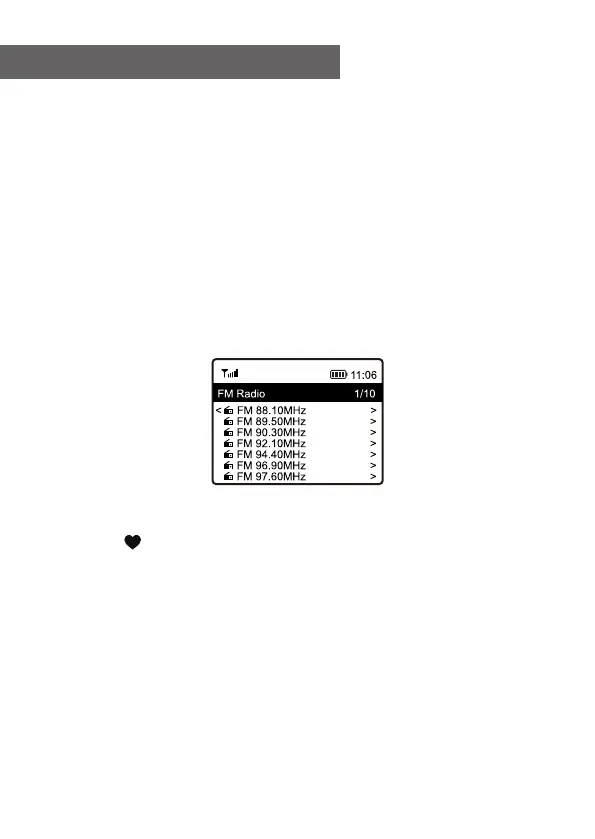
On the Home screen, scroll to FM Radio. Press [OK] to
start.
It will ask whether you want to Scan FM Station. Press OK
to start scanning and it will show the progress on the
number of channels are found. When it is done, it will
automatically save the found channels on presets and
display the list for your action.
You can select the channel and start listening to it.
Whenever you want to add to My Favourite, press and
hold the button on the radio, and it will add to the
favourite list.
Always press the [◄] button to return to the Preset list.
Note - When the screen shows the state of radio playback,
press the [►] button to view more radio information, each
time you press the [►] button, it will display various
information at a time such as radio frequency and big
clock display.
7. FM Radio















 To Next Page