1: Setup
2. Plug the other end of the power supply cable into the socket of HL-2000.
3. Connect the SMA connector of your fiber optic cable to the SMA plugs.
4. Turn the Halogen lamp on using the power switch on the rear of the HL-2000.
Optimizing the Optical Power Output
The HL-2000 is adjusted at the factory to provide maximum power into a 200µm fiber. If a lower optical
power is required or a different fiber (bundle) diameter is used, you can adjust the optical power of the
unit. Refer to
HL-2000 Diagrams while using the following procedure.
►
Procedure
Follow the steps below to adjust the optical power of the HL-2000 Light Source:
1. Connect a fiber optic spectrometer or an optical power meter to a fiber, and then connect the other
end of the fiber to the HL-2000’s SMA plug.
2. Loosen the blocking screw with the provided 1.3mm Allen wrench.
3. Shift the SMA socket to optimize the optical power of the HL-2000.
4. Tighten the blocking screw to secure the SMA socket position.
HL-2000 Diagrams
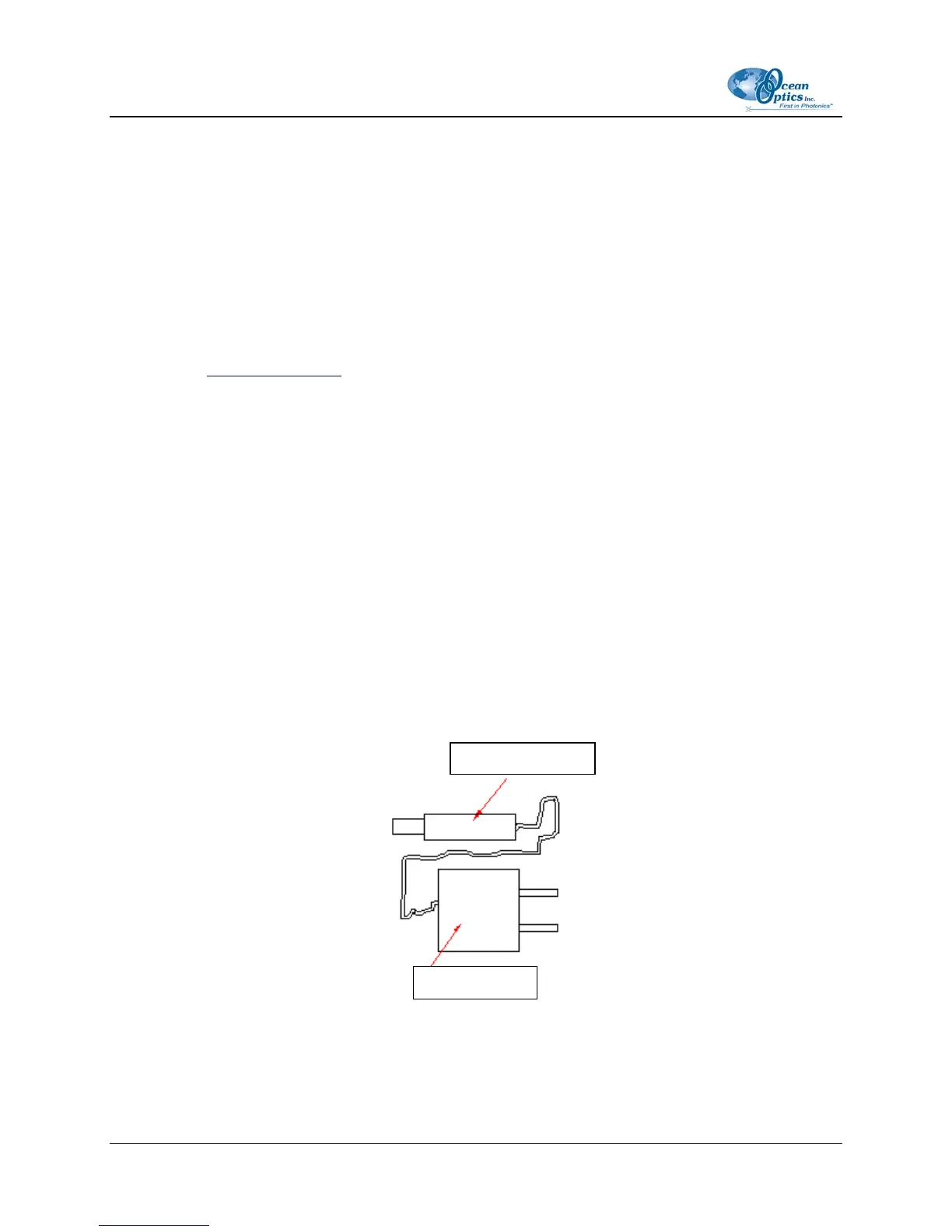
Power Connector
Power Supply
Figure 1: HL-2000 Power Supply
2 000-10000-050-02-0505



 To Next Page