Chapter 1
Setup
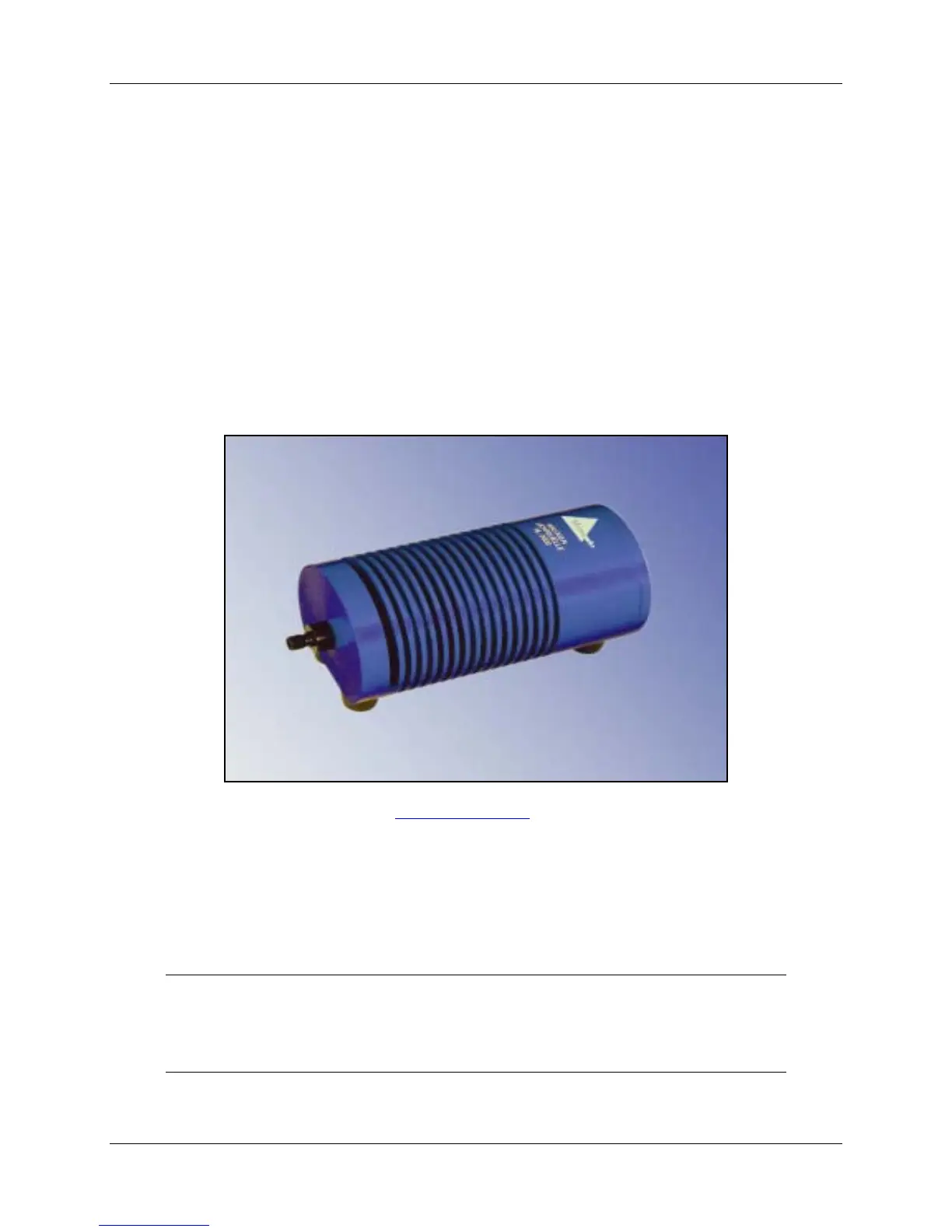
Setting Up the HL-2000 Light Source
Use the following procedure and refer to
HL-2000 Diagrams to set up your light source.
►
Procedure
Perform the steps below to set up your HL-2000 Light Source:
1. Plug the power supply into a wall outlet.
Note
The HL-2000-HP Series of light sources requires a 24 VDC power supply. Do not use
the standard 12 VDC power supply.
000-10000-050-02-0505 1



 To Next Page