Service manual Easyfield
page 14
6.3 Power supply
The power supply type SW172 needs 100-
240V with 50-60Hz input. The output
voltage is +12V, 2,75A.
6.4 Hand held unit
6.4.1 Opening the housing
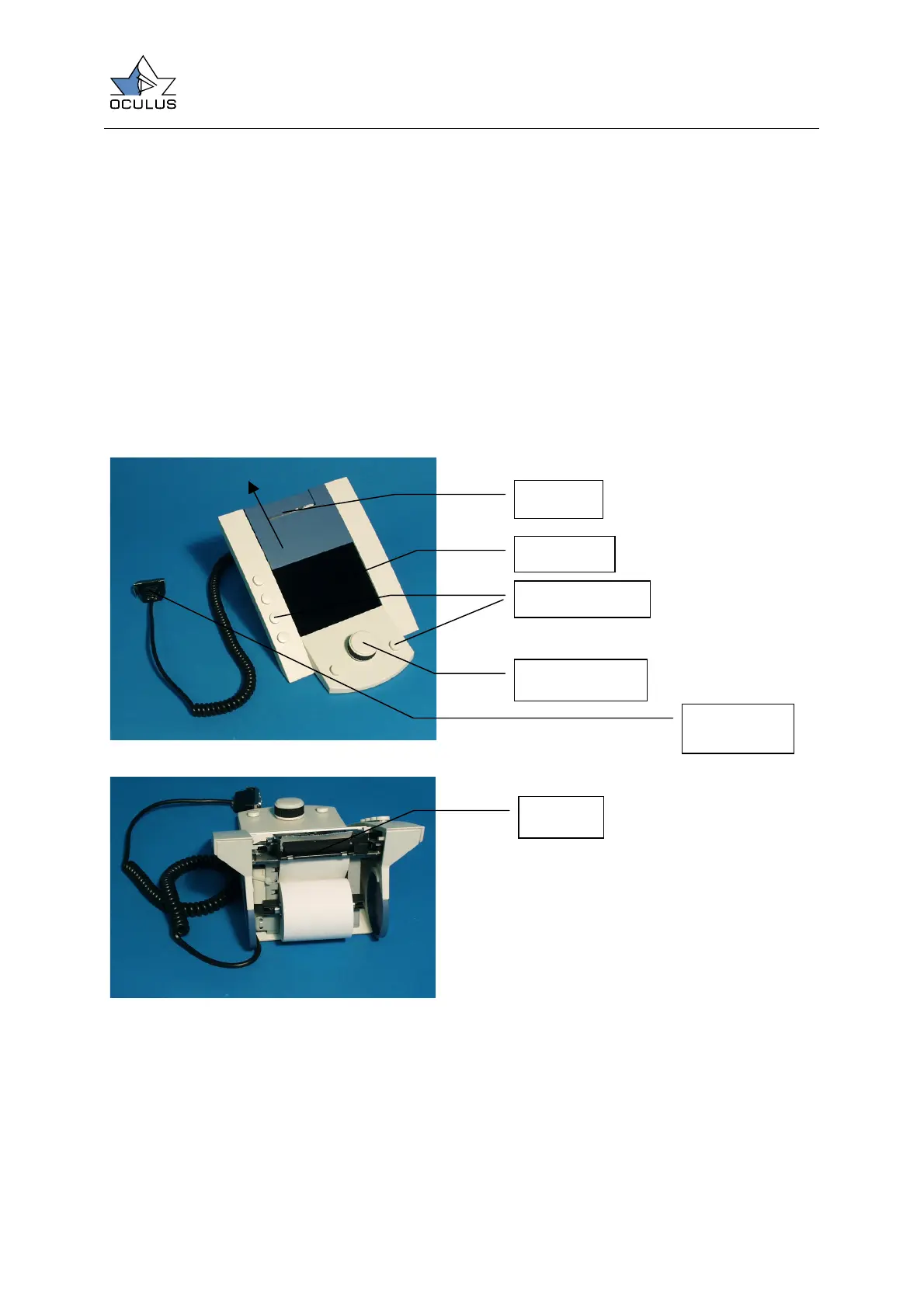
To open the housing just remove the printers
cover by pulling it in the direction described
on Figure 15. Unscrew the four screws on
the bottom of the unit and remove the plate.
Figure 15
Figure 16
LC Display
Printer
Control buttons
Control knob
Printer
Serial plug
to Easyfield



 To Next Page