Service manual Easyfield
page 6
6 Easyfield
6.1 Opening the housing
Before opening the perimeter disconnect all
plugs it is connected to.
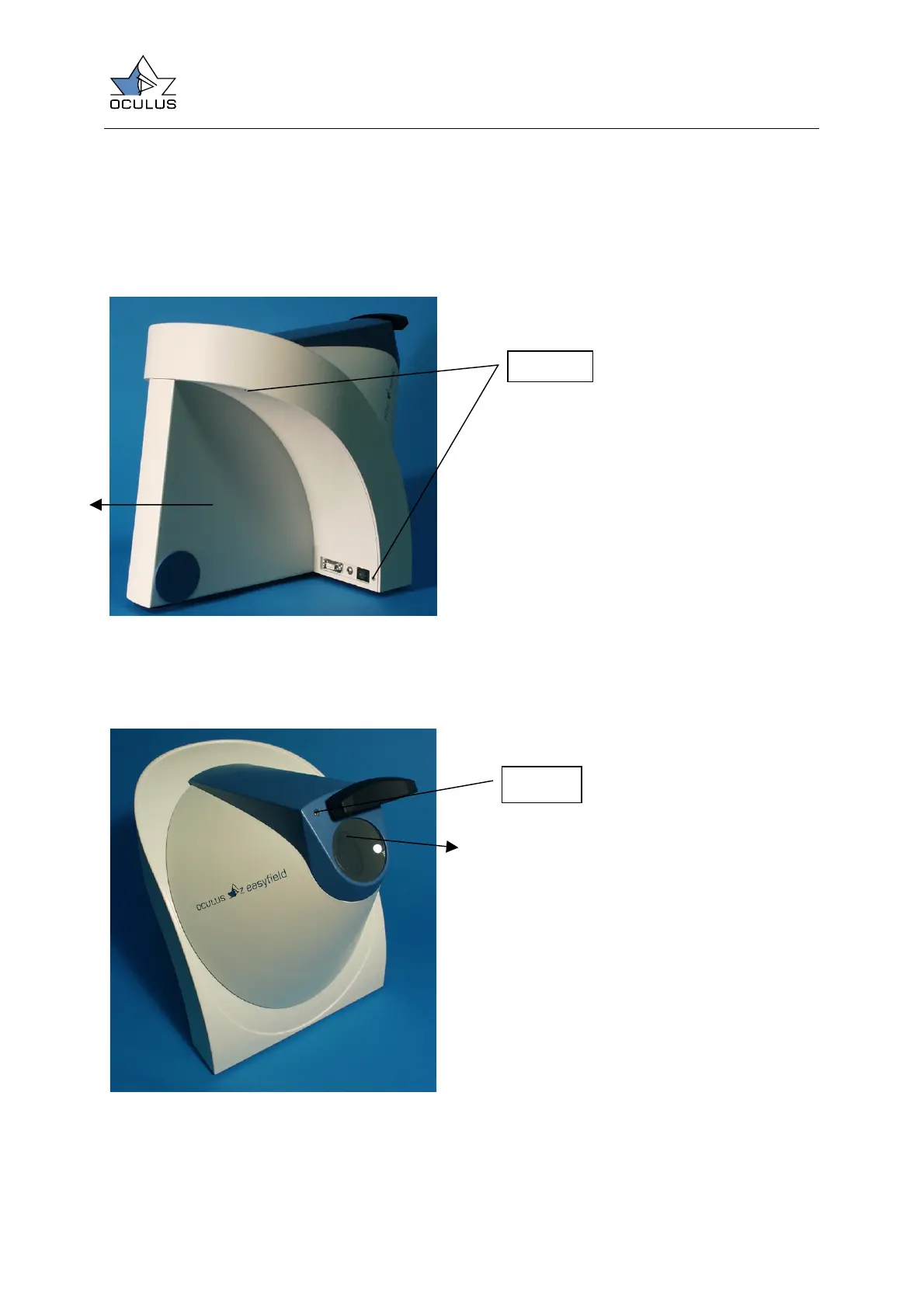
Figure 3
Unscrew the four screw at the back of the
unit and remove the back part of the
housing by pulling it in the direction as
marked on the picture.
Figure 4
Dismount the lens holding part of the
housing by moving the forehead rest and
remove the two screws under it. Remove
the housing by pulling it in the direction as
marked on the picture.
Screws
Screws



 To Next Page