12
Pairing with the app
You can use the app to select the operating mode and other
functions. You also activate the device during commissioning using
the app.
Follow the instructions on your smartphone.
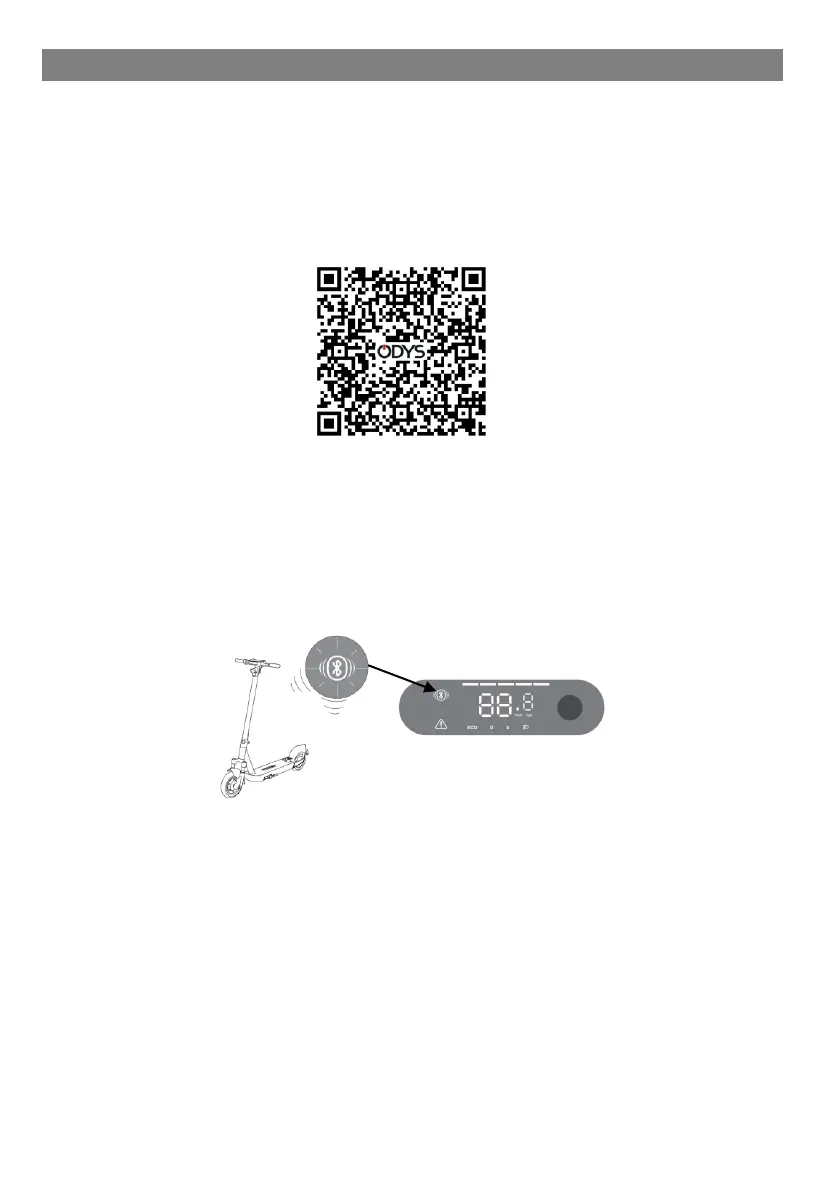
Scan the QR code with your smartphone and download the ODYS
app for your electric scooter from your app store.
1. Install the app and log in or create a user account.
2. Switch the scooter on with the power button. Now open the app
and select “Search for devices”. Then follow the instructions on
your smartphone to pair the device with the app. As soon as your
smartphone is paired with the scooter, the Bluetooth indicator on
the display of your scooter lights up.
Now you have the option of controlling the device via the app and
viewing the kilometers driven so far. Enjoy the ride!



 To Next Page